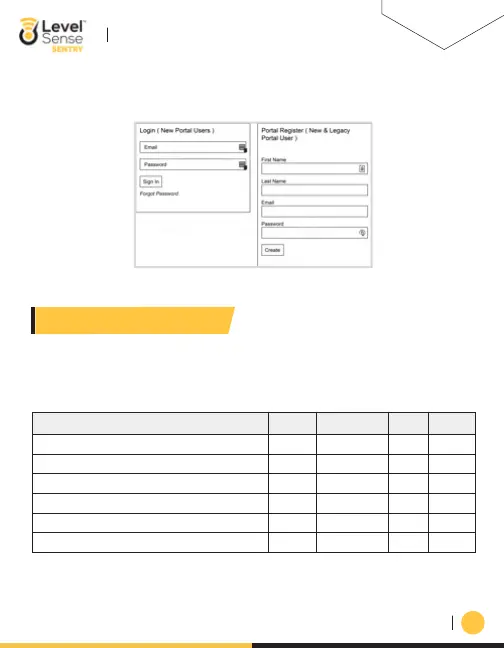
ii. Next enter in your First name, Last name, email address, and password. Click the submit
button and your Level Sense account has successfully been created.
06
SECTION 6: STATUS LEDS
Device State
No Alarm(s)
Blue
Yellow
Purple
Red
Blue Blue Blue
POWER
CLOUD
TEMP ALARM
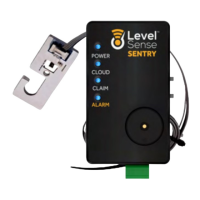
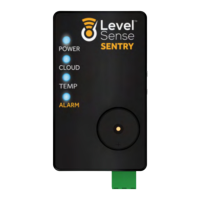
The status LEDs on the level Sense Sentry provides a visual indication of the state of the device. The
below table is a system status guide. PLEASE NOTE that if the four LEDs are flashing in unison,
then this is a CLAIM CODE. If you have a claim code, reference Section 9.
Access Point (Level Sense Network is Broadcasting)
Pulsing White
Wi-Fi Connection in Progress
Alarm(s) Present
Firmware Upgrade/Server Maintenance
Loss of Wi-Fi Signal
Red
LEVEL-SENSE.COM
LEVEL SENSE SENTRY USER MANUAL


 To Next Page