13
SECTION 9: CLAIM DEVICE
If you typed in your E-Mail address on the Wi-Fi configuration page (as seen in the previous Section),
then your device will be claimed automatically, and it will be in your account upon login in the portal
(if you do not see the device, refresh your screen). If you did not enter your E-Mail address on the
Wi-Fi configuration page, or if the WPS method was used, it will be necessary to claim the device.
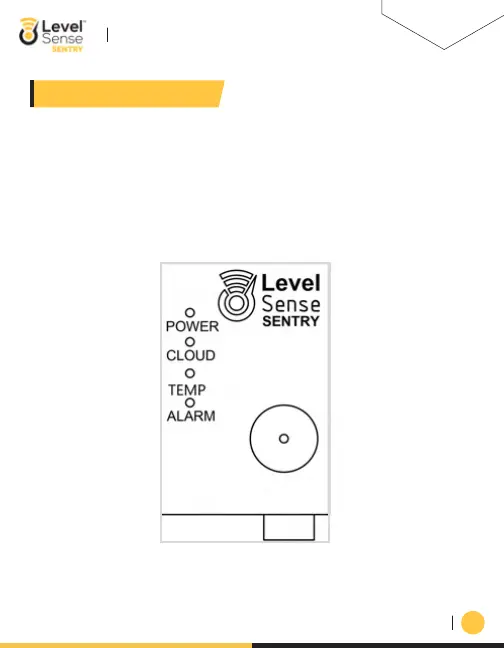
Once the Level Sense Sentry is connected to your wireless network, the Level Sense Sentry will flash
all four LEDs in unison. This is a claim code. After logging into the portal via the website or the
mobile application click on the “Claim” button. Follow the directions on screen and enter the unique
claim code.
LEVEL-SENSE.COM
LEVEL SENSE SENTRY USER MANUAL


 To Next Page