PIR
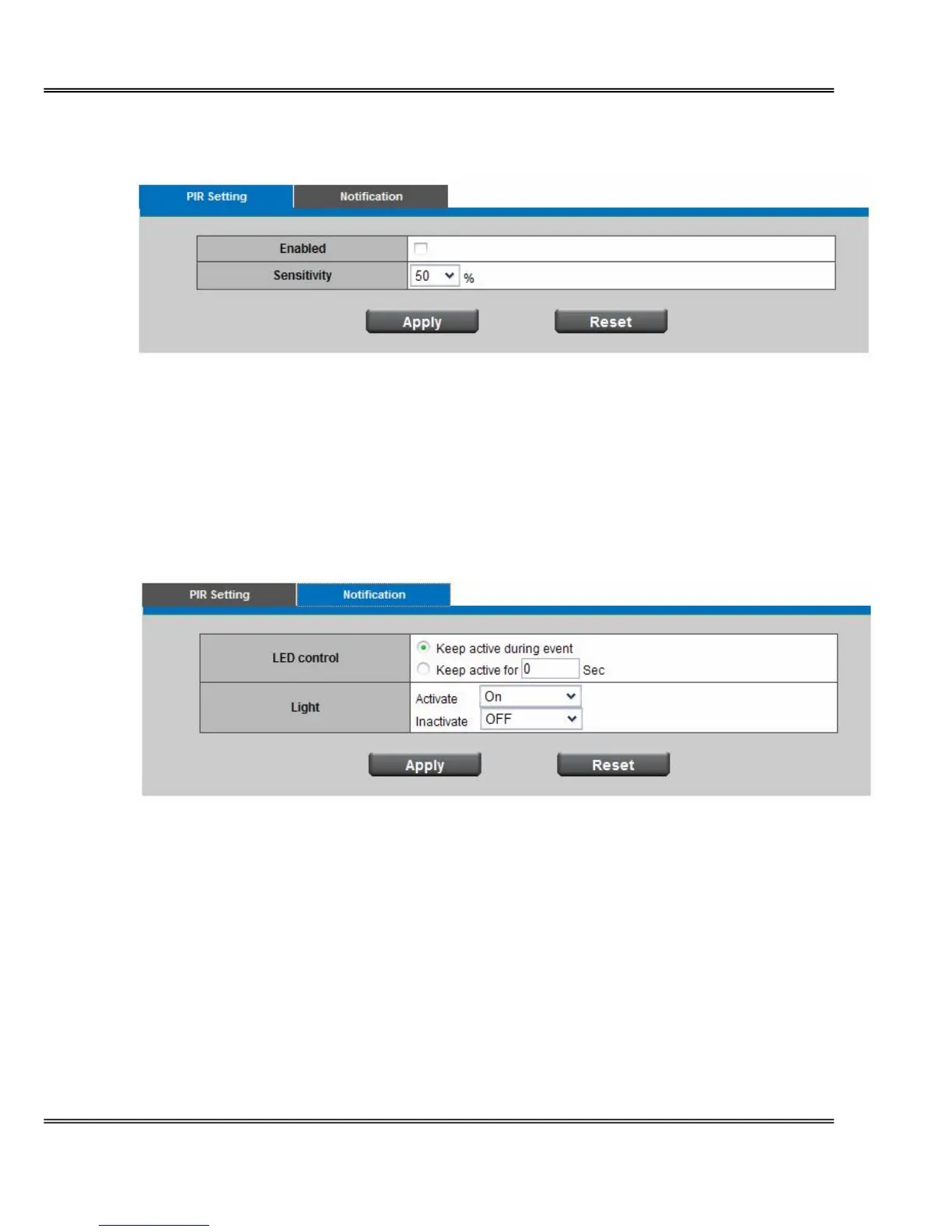
Enable PIR sensor to detect a moving infrared object such as a person in the dark.
Sensitivity - is used to adjust the sensitivity of the PIR Sensor from 10 - 100%. The default
sensitivity is 50%.
By increasing the sensitivity, the range of the PIR Sensor is also increased. The PIR Sensor can
be configured to detect movement in the dark up a maximum range of 6 meters. Select from the
drop-down list to adjust the PIR Sensor’s sensitivity.
Notification
Light - to illuminate the scene. The brightness of light source can be manually selected from the
drop-down list.
Click Apply or Reset to take effect.



 To Next Page