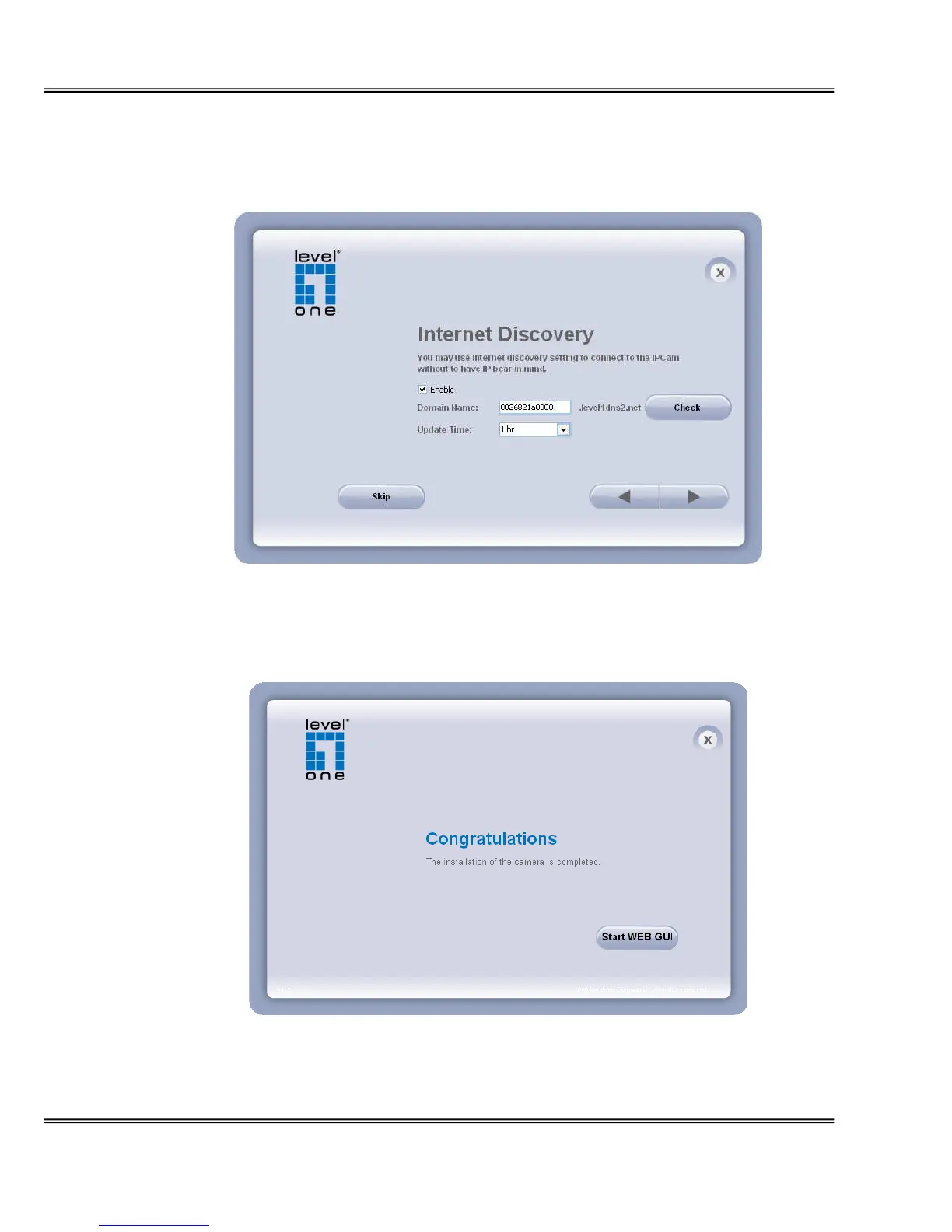
5. Please make sure the internet connection is ready then start to do the internet discovery,
otherwise click “Skip” to finish the setting.
The default domain name is MAC address; you can also register with your own name
on-line.
6. After finish setting, the connection successful or fail showed. If connection failed, user can
either try again or quit the installation. User can either select “Run PC-NVR” or "Start Web
GUI" to continue or click “X” on the top right of the screen to finish the installation.
Once installation is completed, the Administrator should proceed to the next section
"Access to the Network Camera" for necessary checks and configurations.















 To Next Page