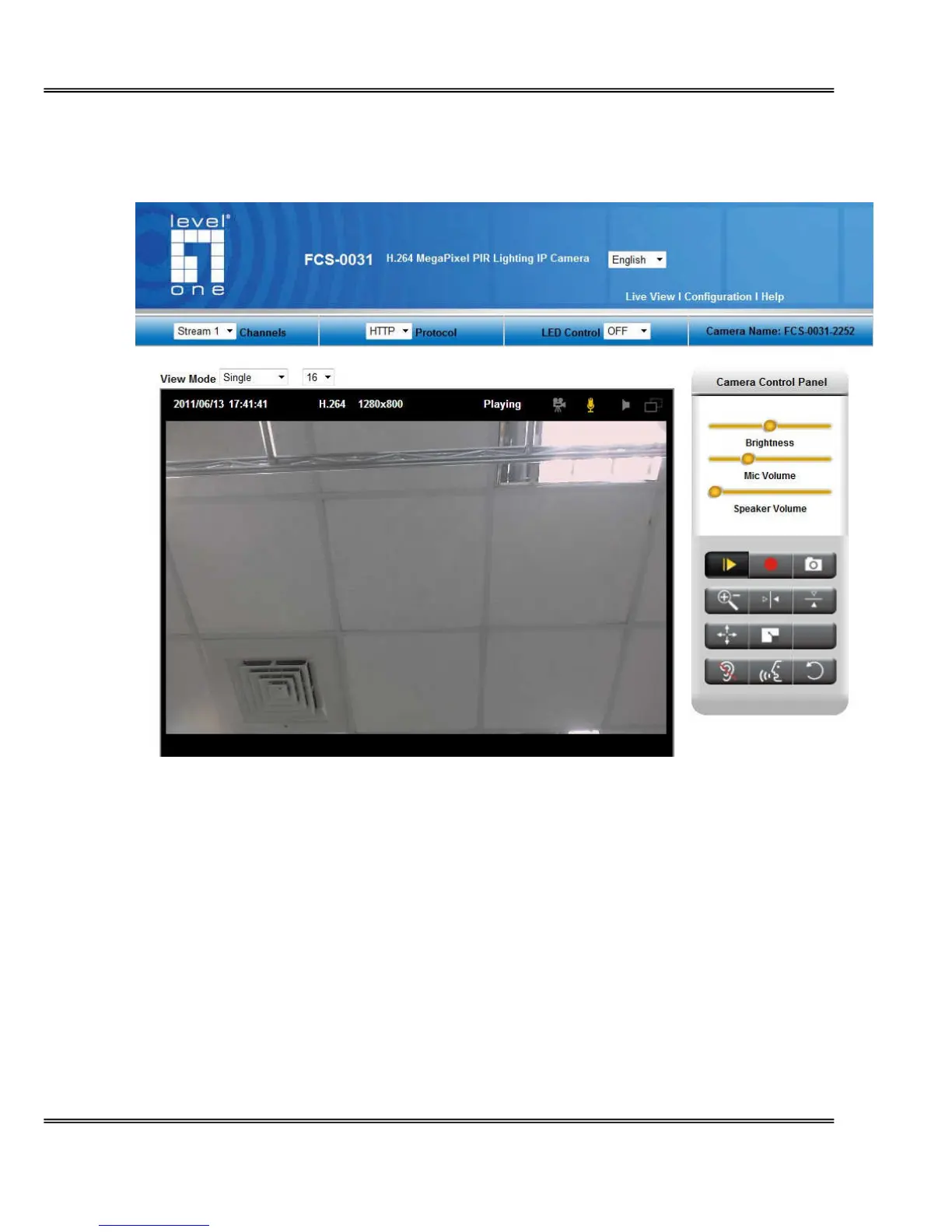
Live View
Live View is the default page that opens when accessing the Network Camera. Live video is
displayed directly in the browser window.
Stream1/Stream2 Channels
The network camera offers simultaneous dual stream for optimized quality and bandwidth. To
configure the codec compression and video resolution, please go to the
Configuration->Camera/video/audio->Video to make the changes, or refer to the Video
configuration page.
TCP/UDP protocol















 To Next Page