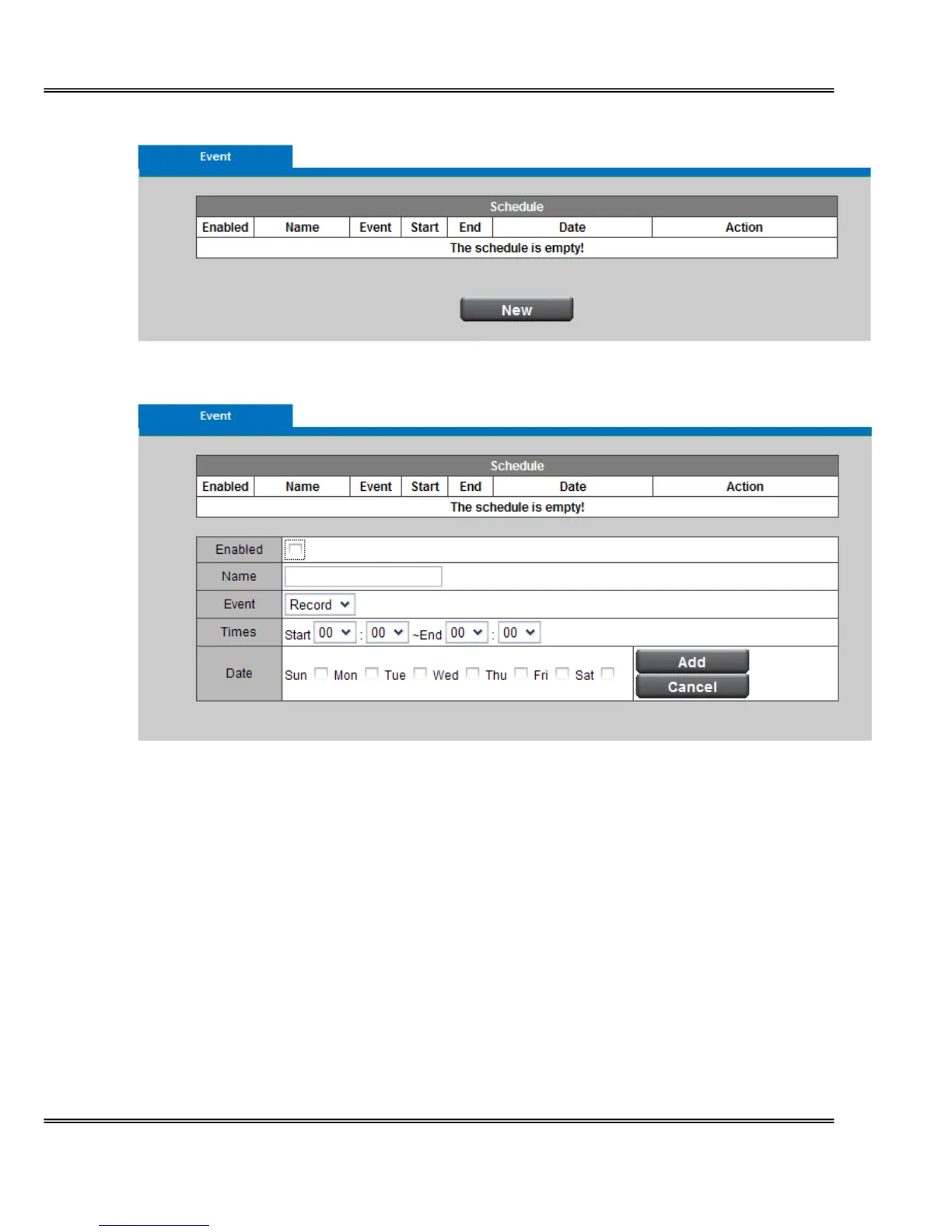
Scheduled Event
Click New to open the recording setting page. In this page, you can define the recording
schedule and recording capacity.
Name - Enter a descriptive name for the recording setting.
Event - Select from the drop-down menu for the recording or rebooting event.
Time - Specify the recording duration.
■ Select the time for recording in 24-hr time format. End time must be more than start time.
■ Select the days on weekly basis.
When completed, Click Add to have recording name appears in the recording list on the
recording page. Select Enabled; the system begins recording and send recorded file to the
Network Storage. To edit a recording setting; click Edit to modify. Upon the completion, click
update to finish the modification. To remove a recording setting from the list, select a recording
name from the list and then click Delete. Click New to add more events.















 To Next Page