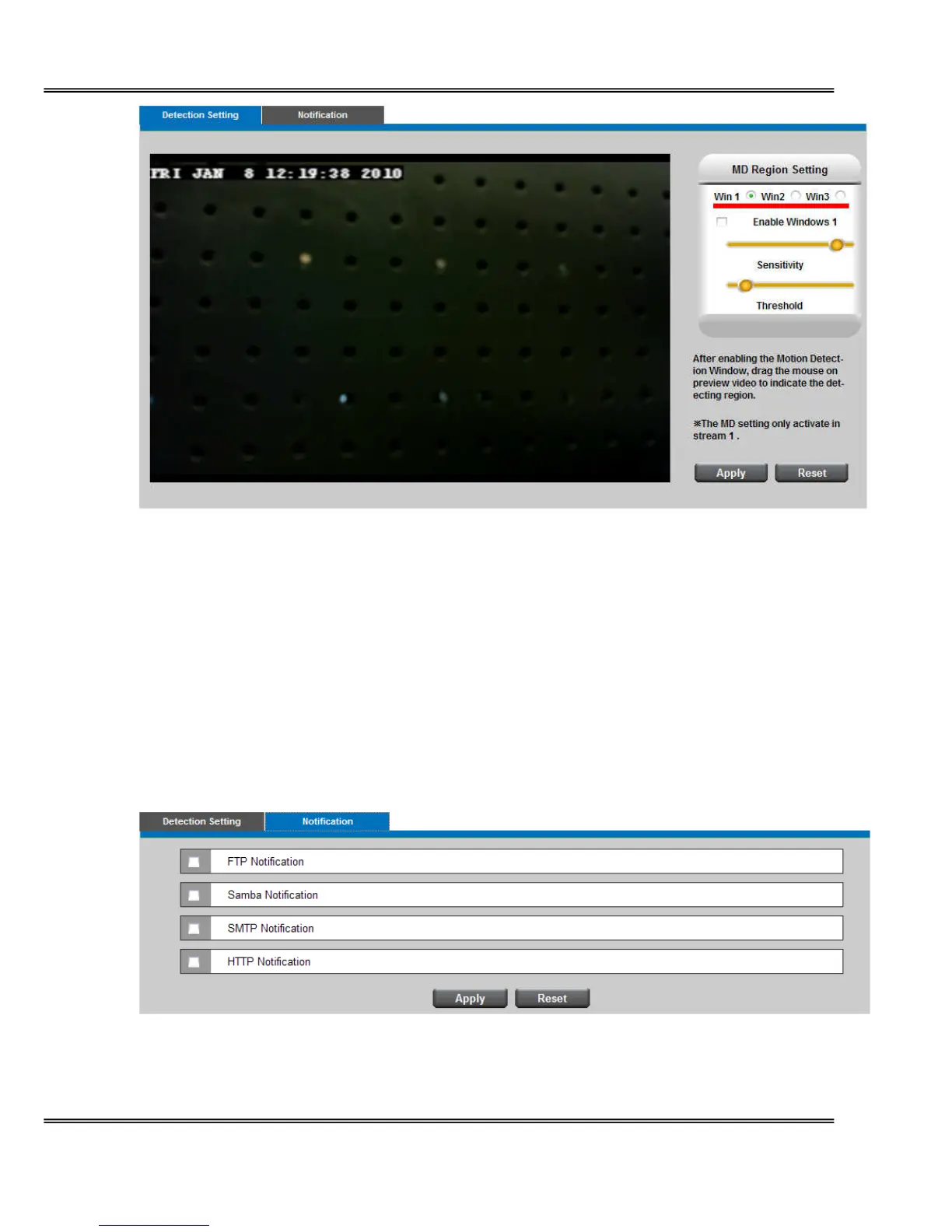
Detection Setting - Select and enable the motion detection windows function. Easier to
trigger event by higher the sensitivity value and lower the Threshold value.
Notification - To react in response to particular events. A typical application is that when a
motion is detected, the Network Camera sends buffered images to a FTP server, Samba,
SMTP or HTTP as notifications. In this page, you can specify which notification messages will
be sent when a trigger is activated. You can configure the Network Camera to send video
streaming URL or video clips to your email address or FTP site.
Click Apply or Reset to take effect.
Notification setting
When an event is triggered, you can specify what kind of action will be performed. You can















 To Next Page