78
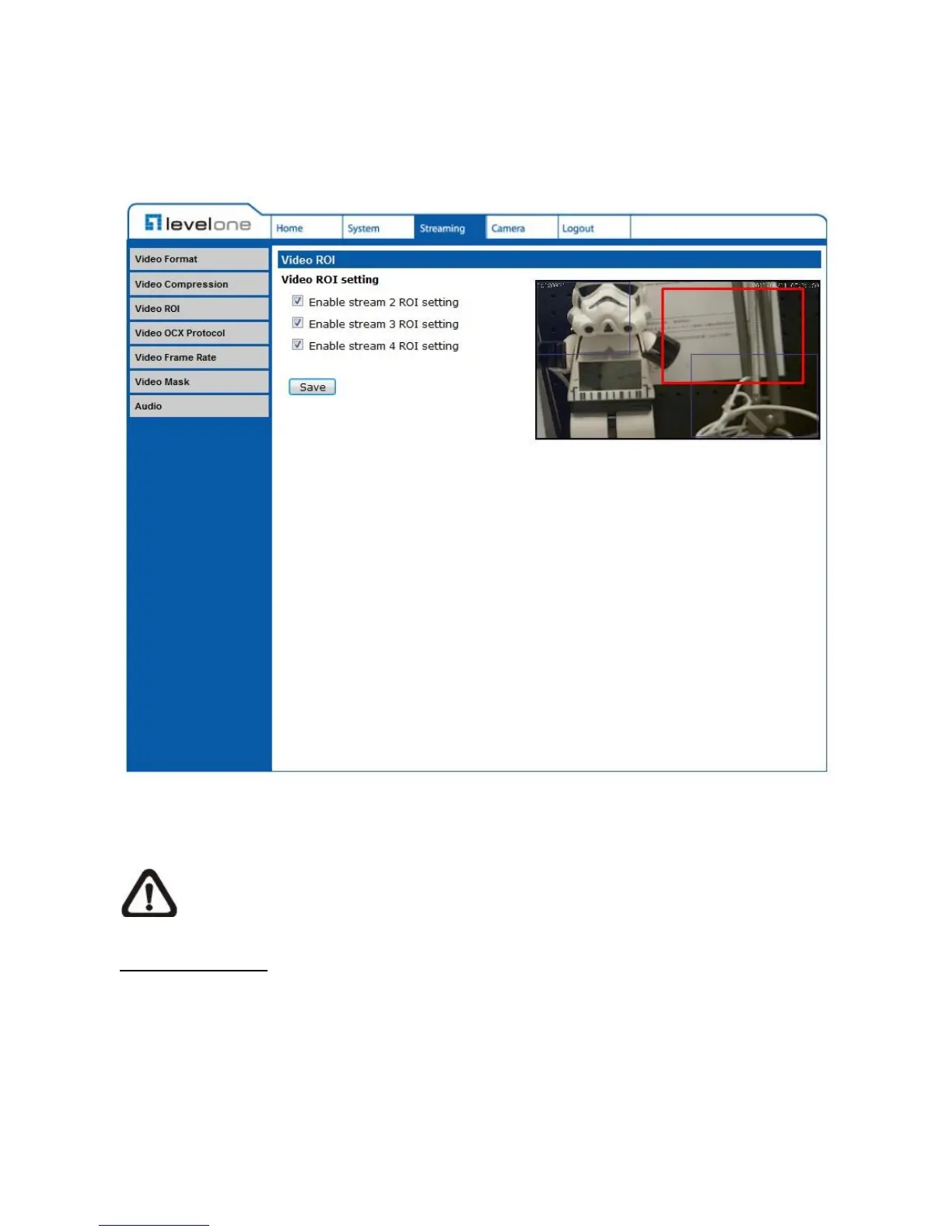
5.4.3 Video ROI
The Video ROI setting can be found under this path: Streaming> Video ROI.
ROI stands for Region of Interest. This function allows users to select specific monitoring
region for 2nd, 3rd and 4th streams, instead of showing the full image.
NOTE: This function is only available when triple streams or above is selected
under Video Resolution in Video Format Setting.
Video ROI Setting
Enable Stream 2 ROI Setting
Check the box and Stream 2 ROI Window will be displayed. To change the size of
Stream 2 ROI Window, move the mouse cursor to the edge of the frame and draw it
outward/inward. Moving the mouse to the center of the frame can shift the frame to the
intended location.















 To Next Page