11
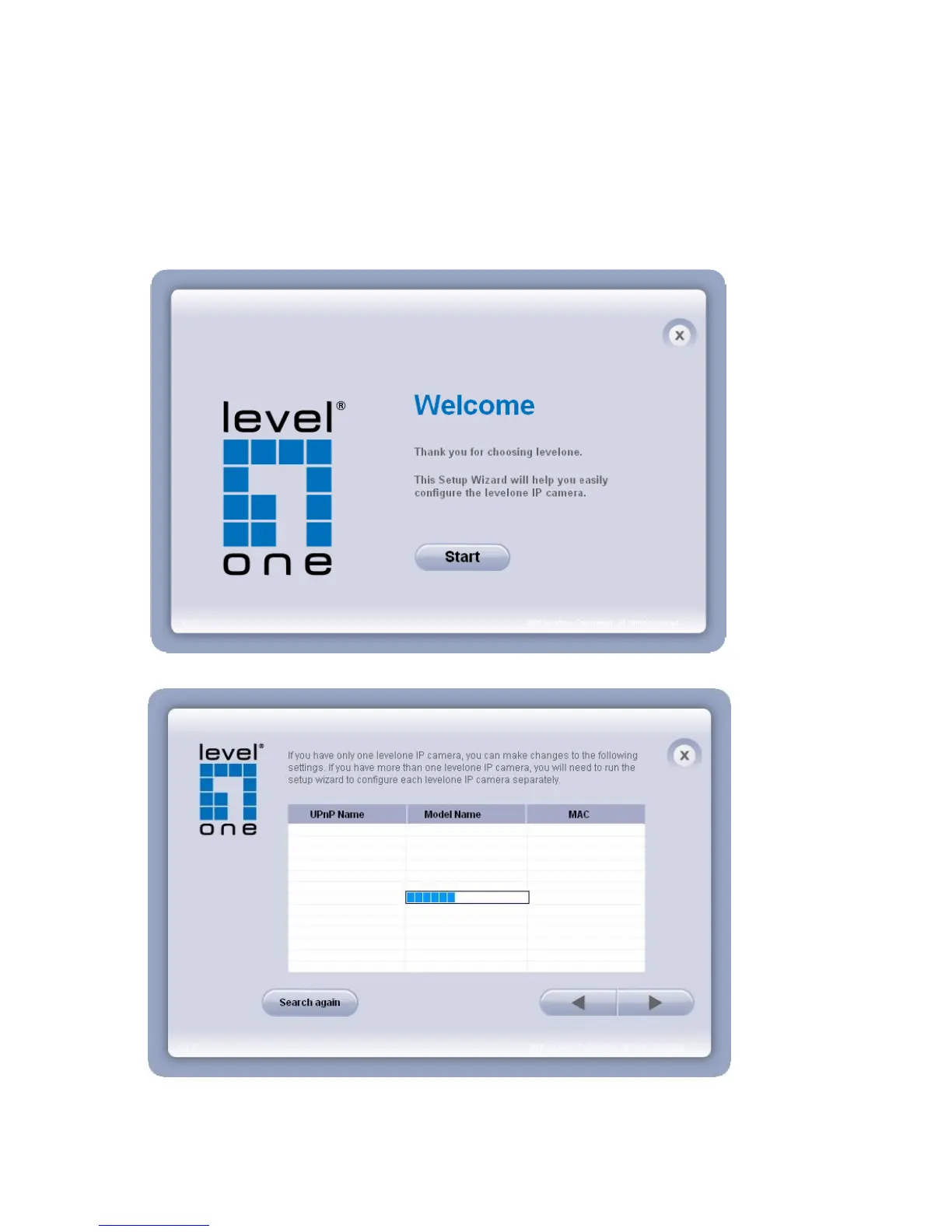
2. Do not check the box if user would like to check the hardware installation settings.
Otherwise click “Skip the hardware installation” to skip the hardware connection
checking, the program will automatically search for the Network Camera in the Intranet.
Click “Start” to continue.
3. Select the Network Camera from the survey list and enter the user name and password.















 To Next Page