- 43 -
Motion Detection
Motion can be detected by measuring changes in the speed or vector of an object or objects
in the monitored area. This section explains how to configure the Network Camera to enable
motion detection.
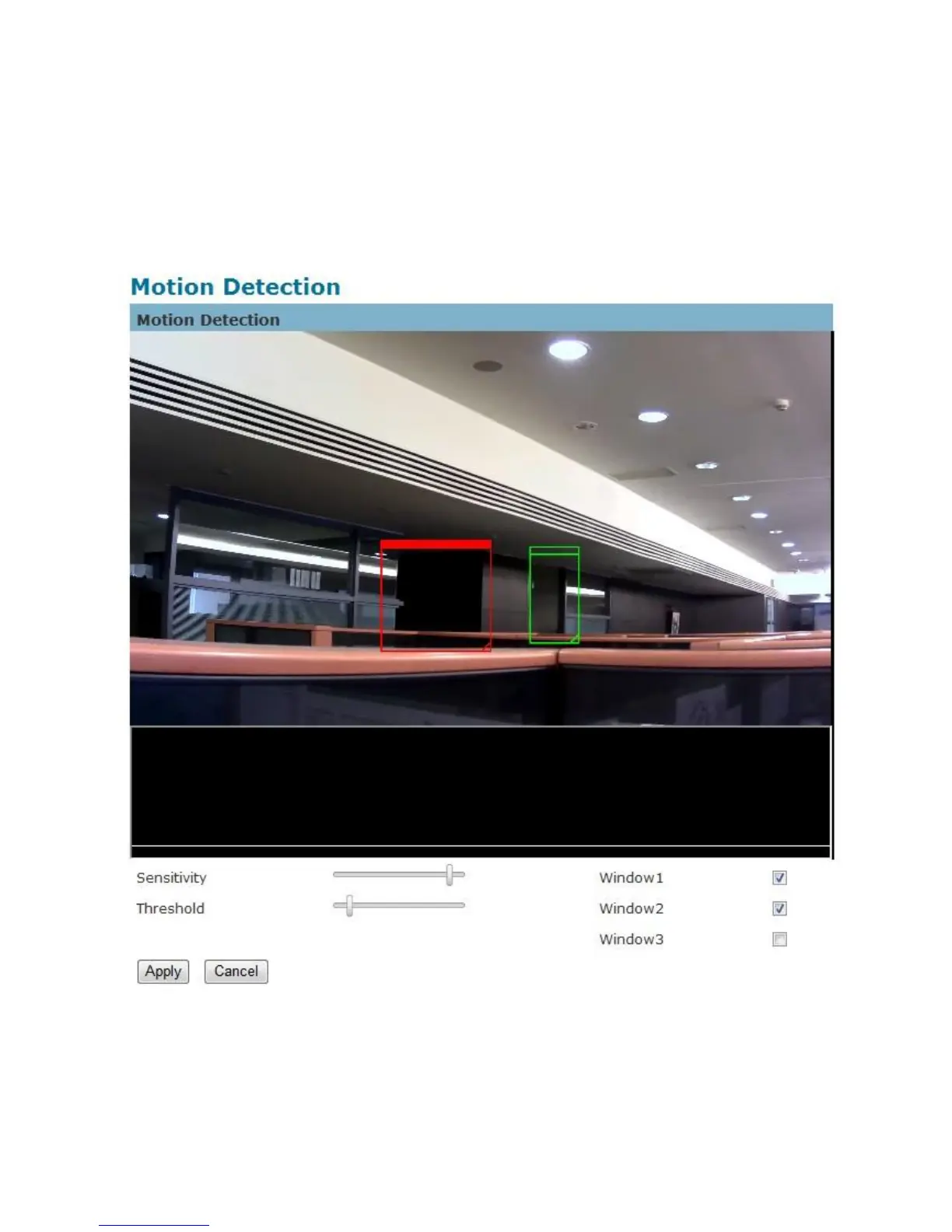
Detection Setting – Use this setting to enable and define the motion detection windows.
The user can defined up to three areas on the live view window for motion detection.
1. Select <Window1>, <Window2>, or <Window3> to adjust the motion detection















 To Next Page