- 49 -
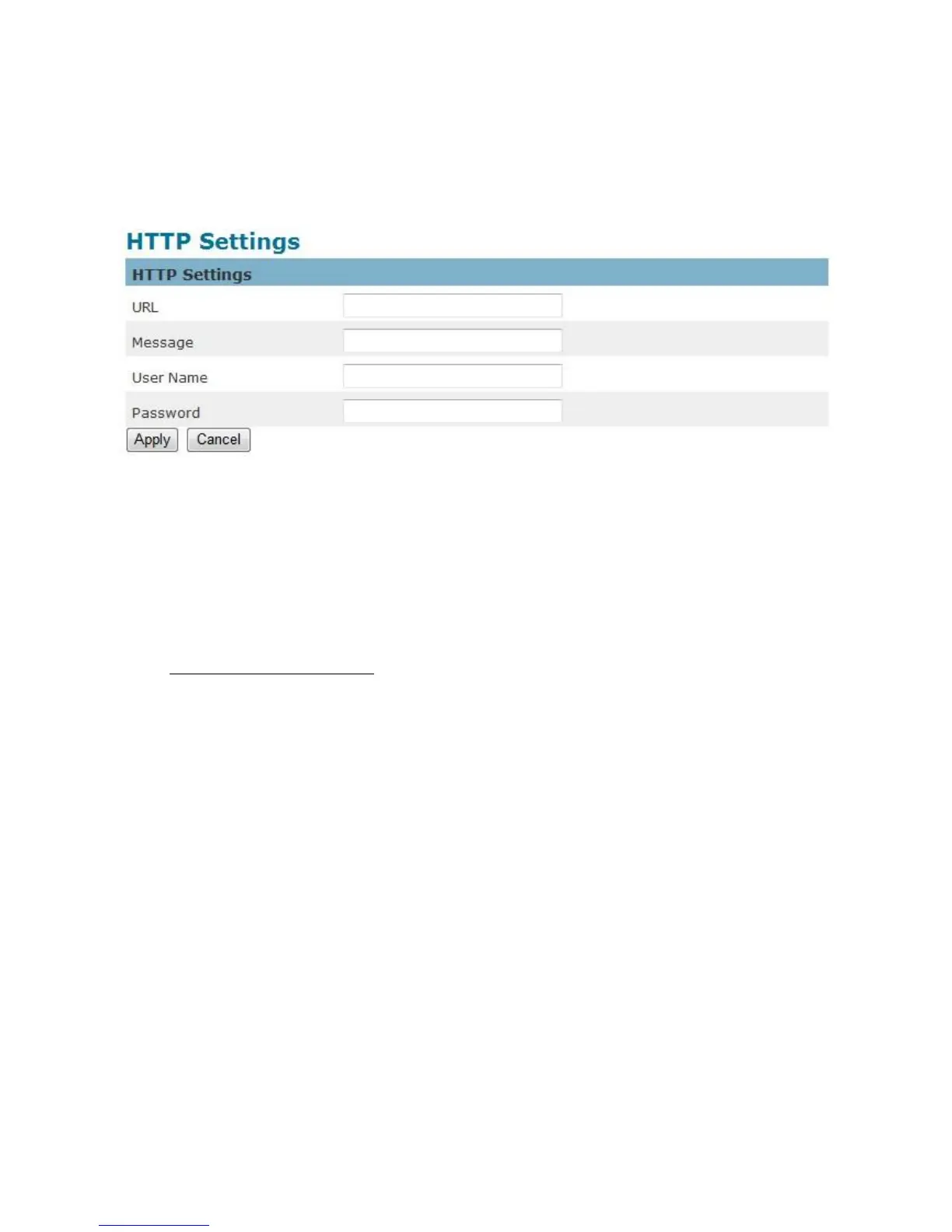
HTTP Settings
Select this option to send the media files via an HTTP notification when an event is
triggered.
URL –Specify the URL to send HTTP requests. The URL is normally written as:
http://ip_address/ notification.cgi?parameter
ip_address – type the IP address or host name of the HTTP host.
Parameter – type the notification parameter if necessary.
Example
URL - http://192.168.1.1/xxxx.cgi
Message - name1=value1&name2=vlaue2
Result - http://192.168.1.1/xxxx.cgi? name1=value1&name2=vlaue2
Ex:
https://192.168.1.1/notification.cgi?event=MD&camera=FB-100A
Message - Enter the message notification that will be sent when an event is triggered.
Enter the user name and password if necessary.
Click Apply to apply settings or Cancel to cancel changes.















 To Next Page