Hardware Manual
10
Before Installation
This section describes the procedures in preparing the external devices that you can connect to
the camera. The camera supports DC12V power input, Digital Input and Output (DI/DO), Audio
Input and Output devices, as well as Serial Devices like a Pan-Tilt (PT) Scanner using the
bundled terminal blocks. The use of these devices, however, is optional.
Connecting a Power Adapter (Optional)
In case of using a non-PoE switch or your PoE switch has limited power supply, you can
purchase a power adapter and directly connect the camera to a power outlet. The power adapter
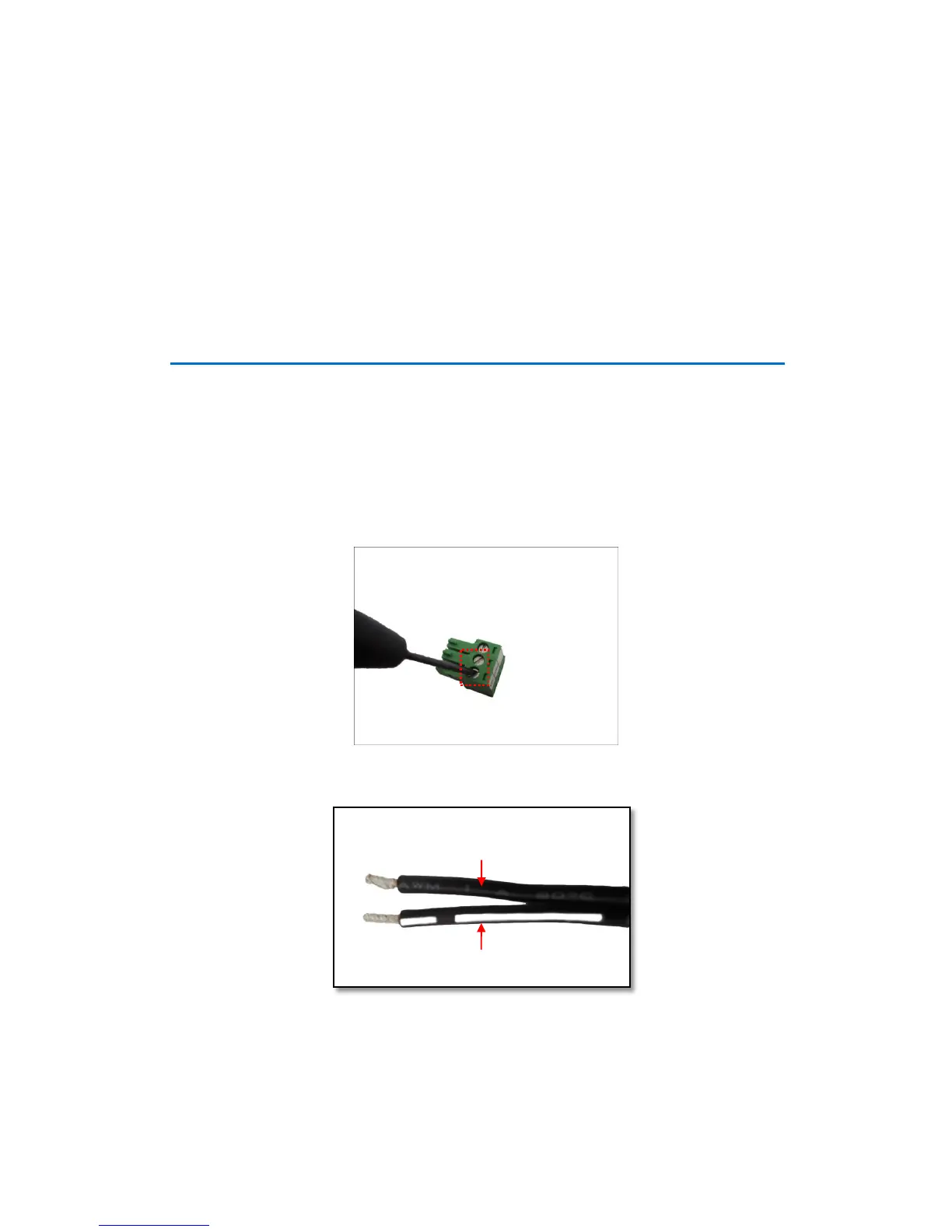
must be connected to the supplied terminal block before use.
To do this, follow the procedures below:
1. Loosen the screws of the 12V and GND pins of the power terminal block.
2. Take note that a standard power adapter cable has two (2) different wires:















 To Next Page