Hardware Manual
21
Step 3: Connect the Cable(s)
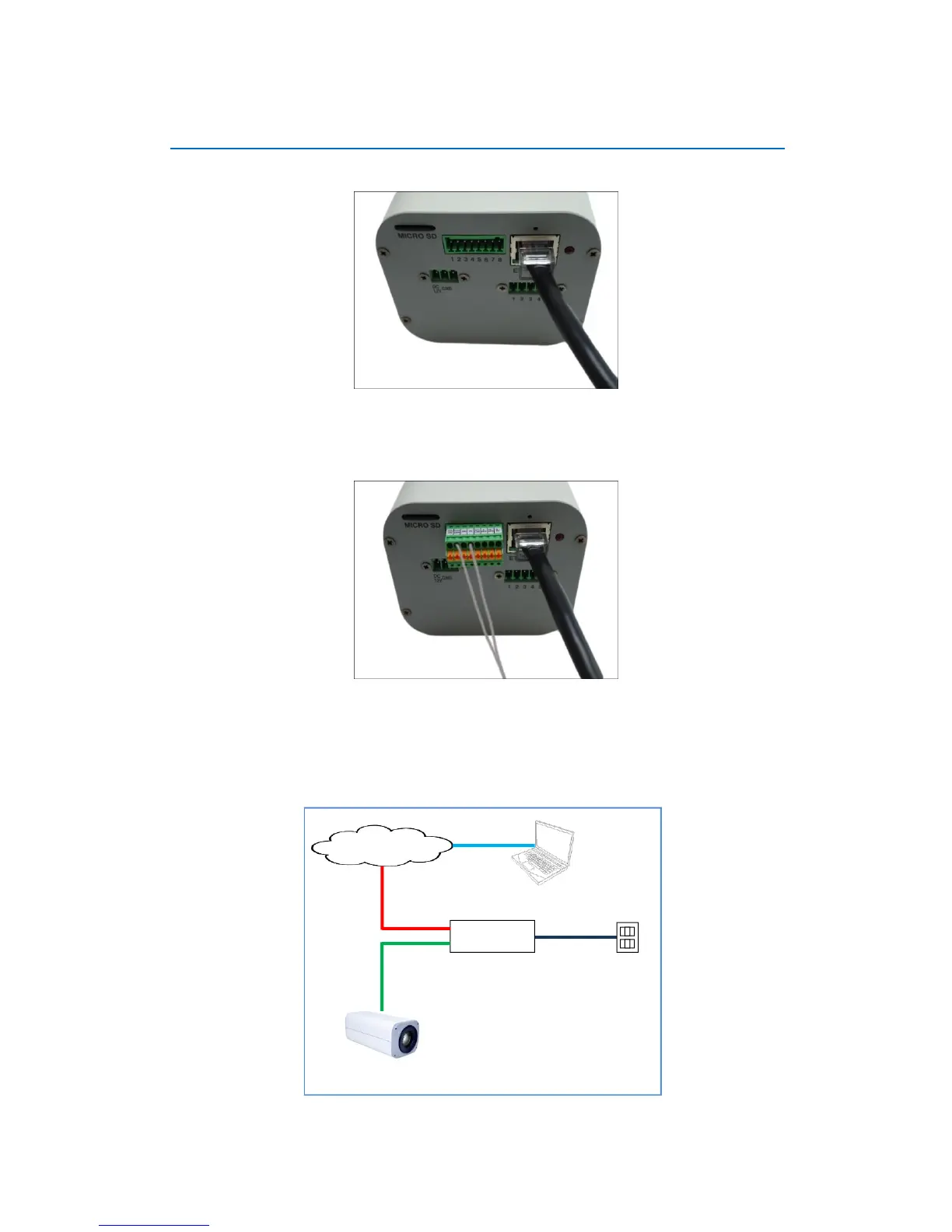
1. Connect the network cable to the Ethernet port of the camera.
2. If necessary, connect the other external devices, such as DI/DO, PT scanner or power
adapter to the camera. See Before Installation on page 10 for more information.
3. Connect the other end of the network cable to a switch or injector. Then, connect the switch
or injector to a network, PC and a power source. See Power-over-Ethernet (PoE) connection
example below.















 To Next Page