- 50 -
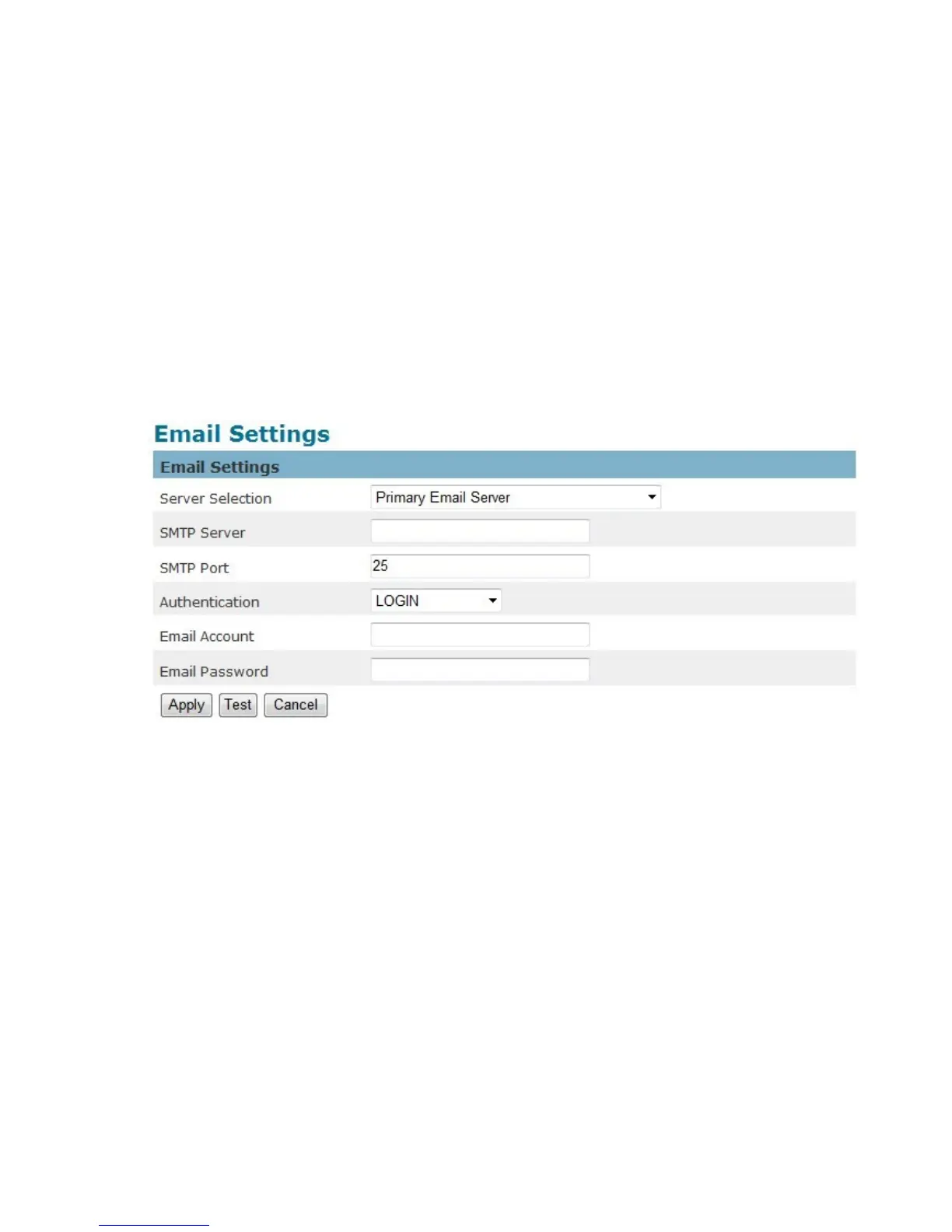
E-mail Settings
Select “Primary Email Server” option from the Server Selection drop down menu to send media
files to an email server when an event is triggered.
SMTP Server - Enter the server host name of the email server.
SMTP Port - Enter the port number of the email server; by default, the SMTP port is set to 25.
Authentication - Select the authentication type from the drop-down menu.
Email Account - Enter the user name of the email account if necessary.
Email Password - Enter the password of the email account if necessary.
Click Apply to apply settings or Cancel to cancel changes.















 To Next Page