Hardware Manual
13
Step 6: Connect to Network
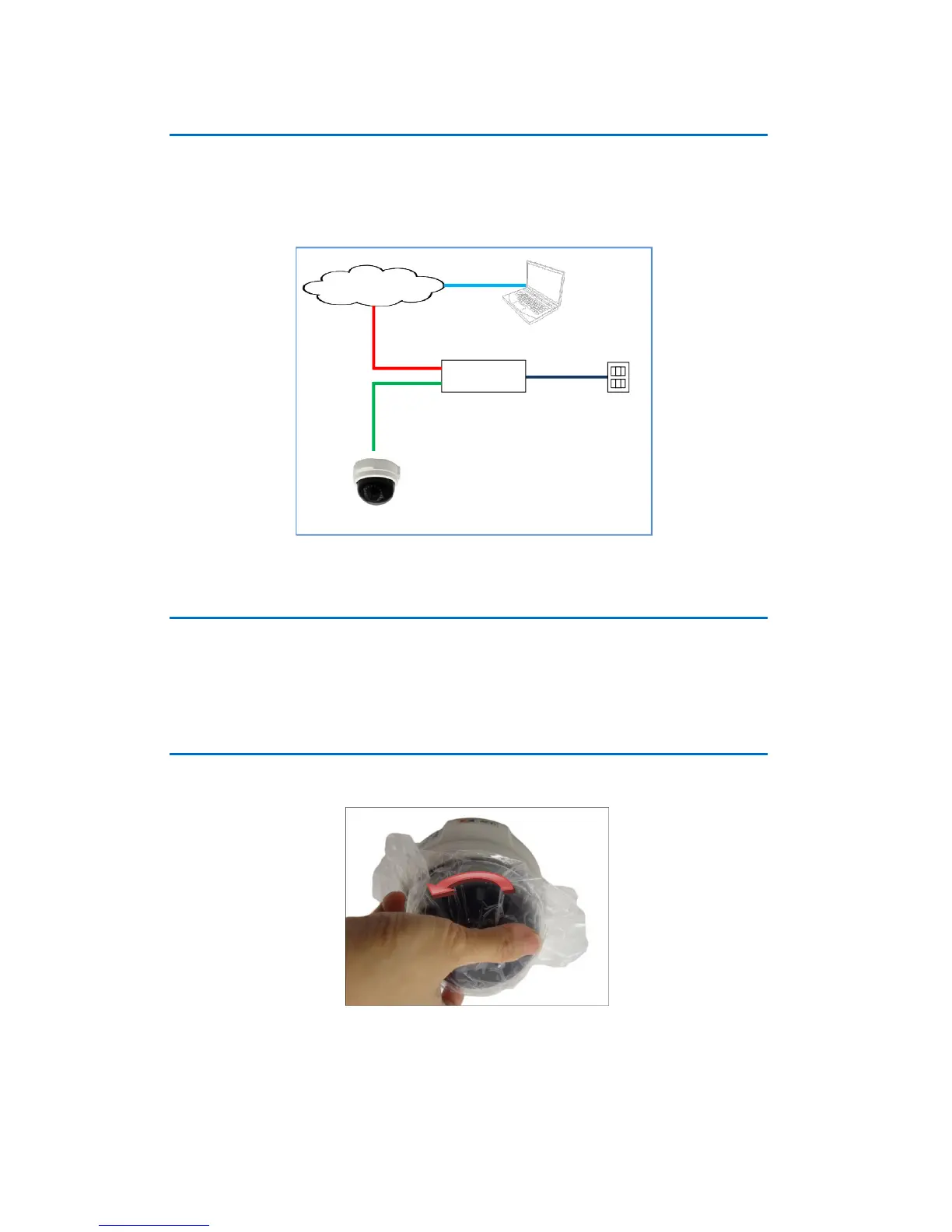
Connect the other end of the network cable to a Power-over-Ethernet (PoE) switch or injector.
Then, connect the PoE switch or injector to a network or PC and a power source. See example
connection diagram below.
Step 7: Access the Camera Live View
See Accessing the Camera on page 18 for more information on how to access the Live View
screen of the camera.
Step 8: Adjust the Viewing Angle and Focus
1. Rotate the dome cover counter-clockwise and then pull to remove it.
2. Based on the live view, adjust the viewing angle and orientation of the camera.
Adjustments vary depending on model; see How to Adjust the Viewing Angle and
Focus on page 15 for detailed information.















 To Next Page