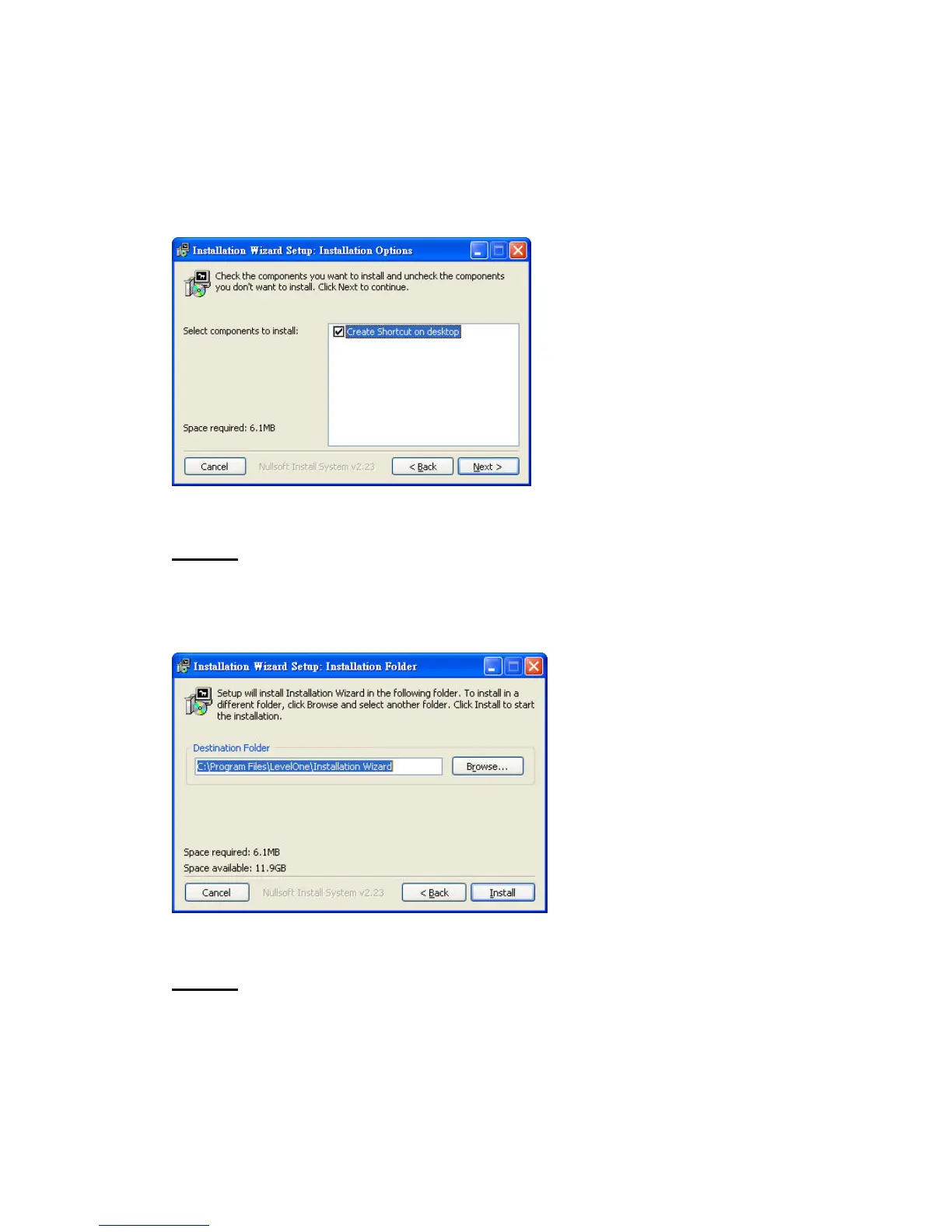
component you want to install. The component “Create shortcut on desktop”
will create a shortcut on the desktop. It is more convenient for you to launch
Install Wizard 2. After selecting the components, please click on the “Next”
Button to continue.
Select components to install for the Installation Wizard
STEP 3: Select the installation directory for this application software and
click on “Install” button. You can also change the installation directory by
clicking on “Browse…” button. After the proper directory chose, please click
on the “Install” button to continue.
Destination Location for Installation
STEP 4: After clicking “Install” button, the install system will install the
Installation Wizard to your computer, and a progress bar will display on the
dialog. After completed the installation, please click on the “Close” button.















 To Next Page