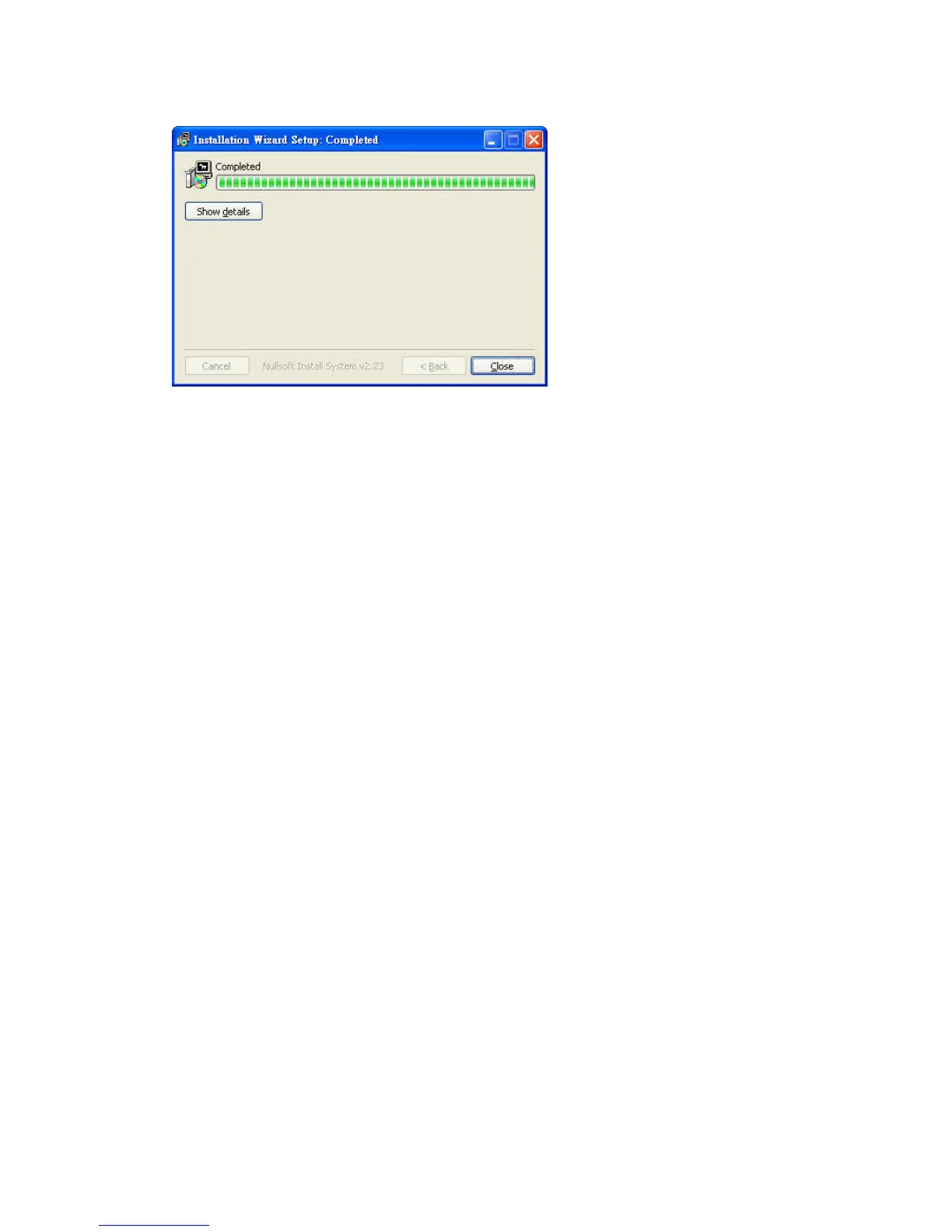
Completed
Using Installation Wizard
User Interface
Once you run the Installation Wizard, after a short searching time, you will
see the user interface as below. “Manual Setup” button, a “Refresh
Devices” button and an arrow button on the left panel of your user interface.
When you click on the arrow button, you will see more advanced functional
buttons: “Firmware Upgrade”, “Restore Default” and “About IW”. You
can select your device by double-clicking it in the device list. The left three
buttons (“Manual Setup”, “Firmware Upgrade”, and “Restore Default”)
won’t be enabled until you select at least one device.















 To Next Page