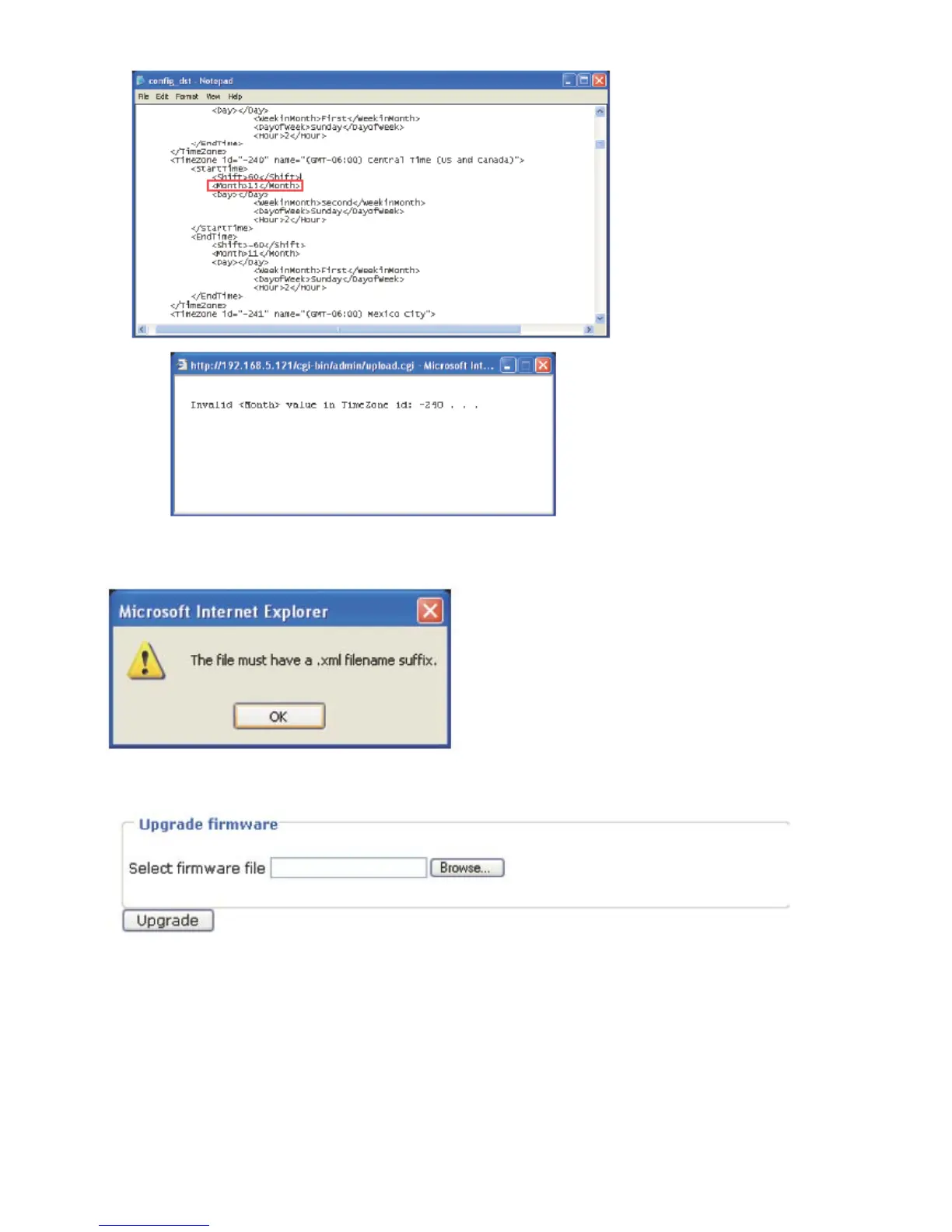
4. Click Upload. To enable the DST, see System Time section.
The following message is displayed when attempting to upload an incorrect file format.
Upgrade Firmware
This feature allows you to upgrade the firmware on your Network Camera. It takes about five
minutes to complete the process.
Note that do not power off the Network Camera during the upgrade.
Follow the steps below to upgrade firmware:
1. Download a new firmware file from LEVELONE website. The file is in pkg file format.
2. Click Browse… and specify the firmware file.
3. Click Upgrade. The Network Camera starts to upgrade and will reboot automatically when
the upgrade completes.















 To Next Page