Hardware Manual
11
Step 3: Install the Camera
Before installing the camera, determine the most suitable method to waterproof the cable
connection (see Step 4: Waterproof and Connect the Cable on page 12). Some methods
may require the cable to be waterproof first before installing the camera to its bracket.
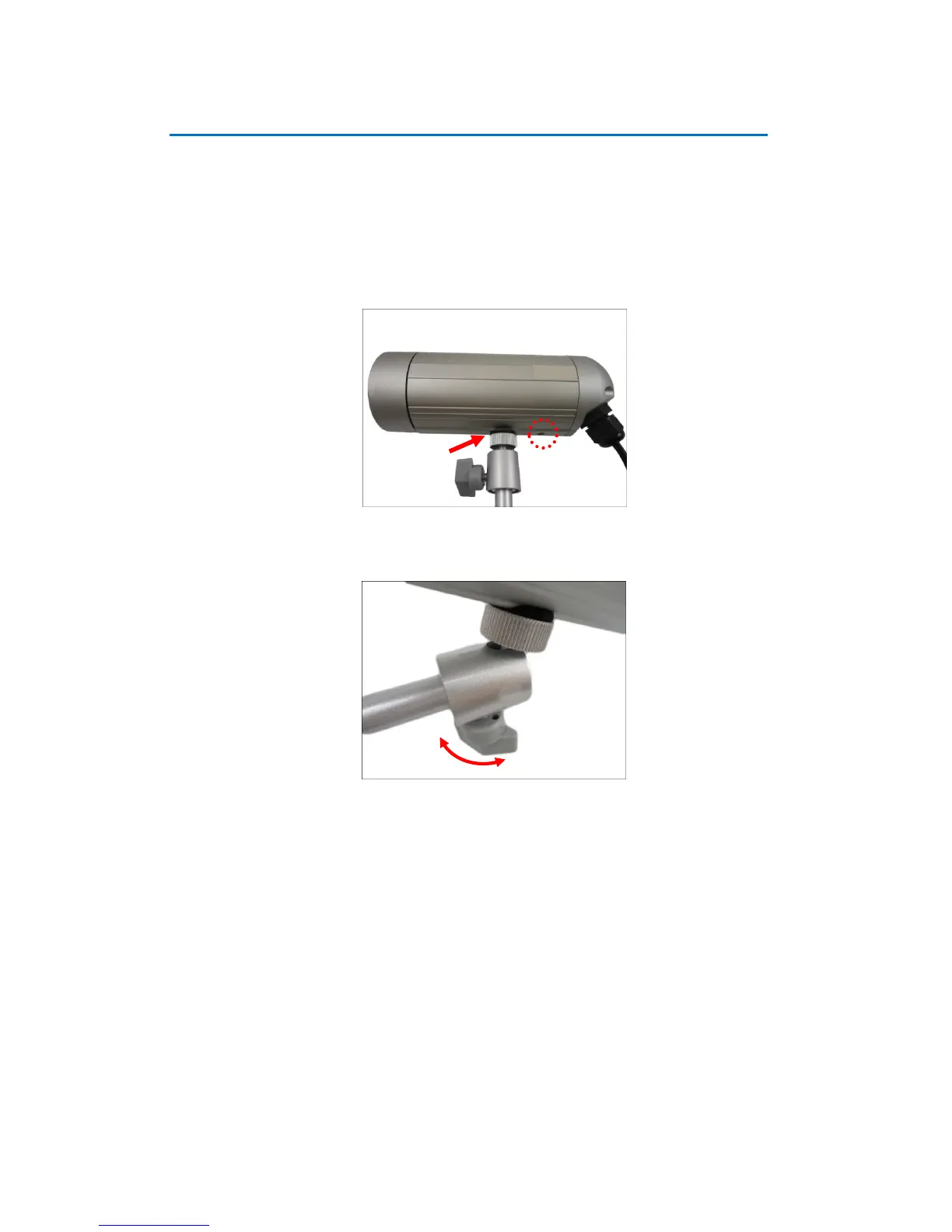
1. Depending on how you want to install the camera, attach the camera to the bracket
through one of the two (2) holes below:
2. Adjust the camera viewing angle and tighten the knob to fix the camera position.















 To Next Page