Hardware Manual
12
Step 4: Waterproof and Connect the Cable
If the camera will be installed indoors, simply connect the network side cable to the camera
Ethernet port. No need to waterproof the cable connection. However, if the camera will be
installed outdoors, check the type of Ethernet port and follow the applicable procedures to
waterproof the cable connection.
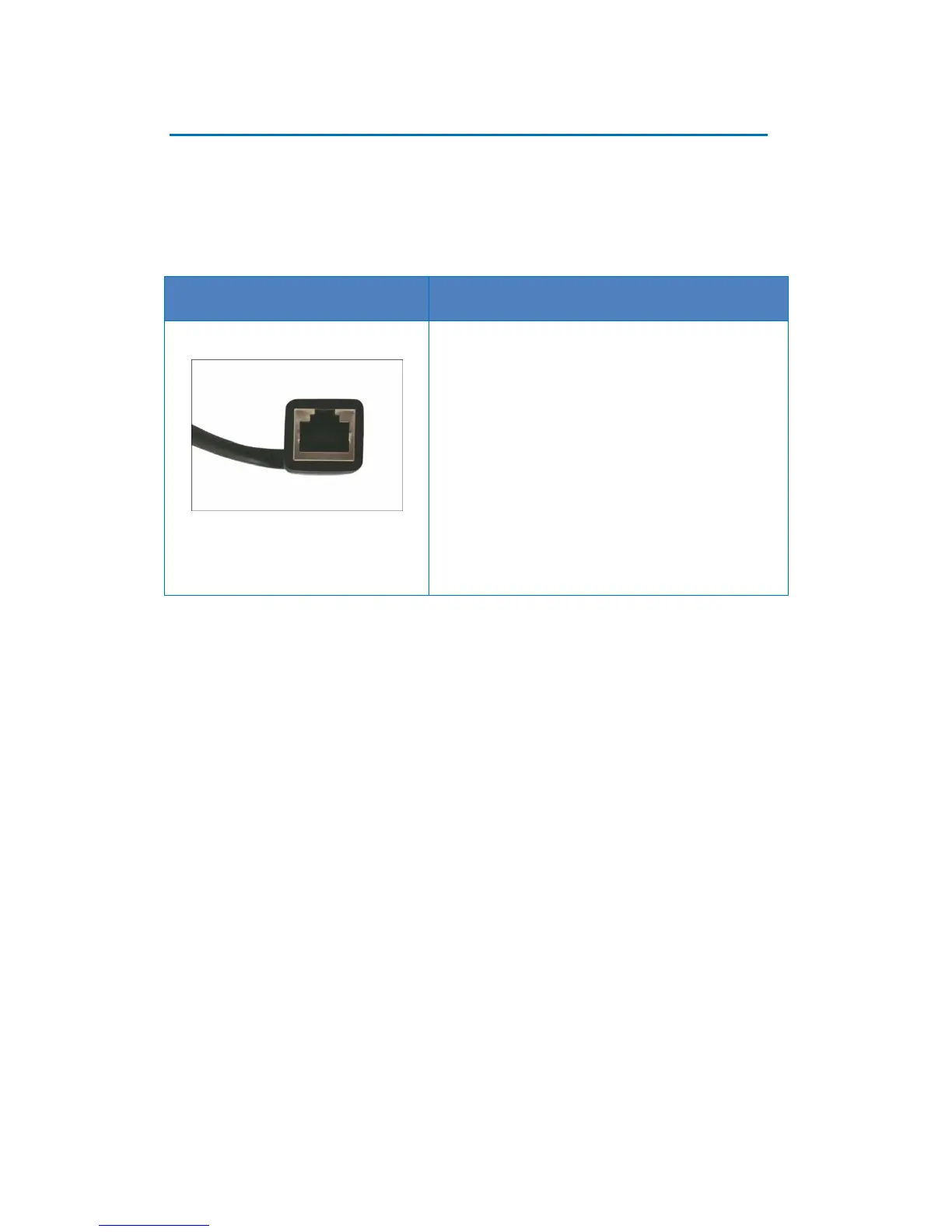
There are three (3) ways to manage and waterproof
the square-shaped “pigtail”:
Using the Waterproof Tape, see page 13.
Using the Bundled Conduit Gland, see page
14. A flexible conduit (trade size ½”) is required
to house the Ethernet cable.
Replacing the Pre-Installed Square-Shaped ,
see page 19.















 To Next Page