Hardware Manual
24
Other Adjustments and Accessories
This section describes the procedures on installing a memory card and resetting the camera.
How to Install / Remove the Memory Card
The camera supports local video recording or saving of snapshots to a memory card.
NOTE: Supports microSDHC and microSDXC cards.
How to Insert the Memory Card
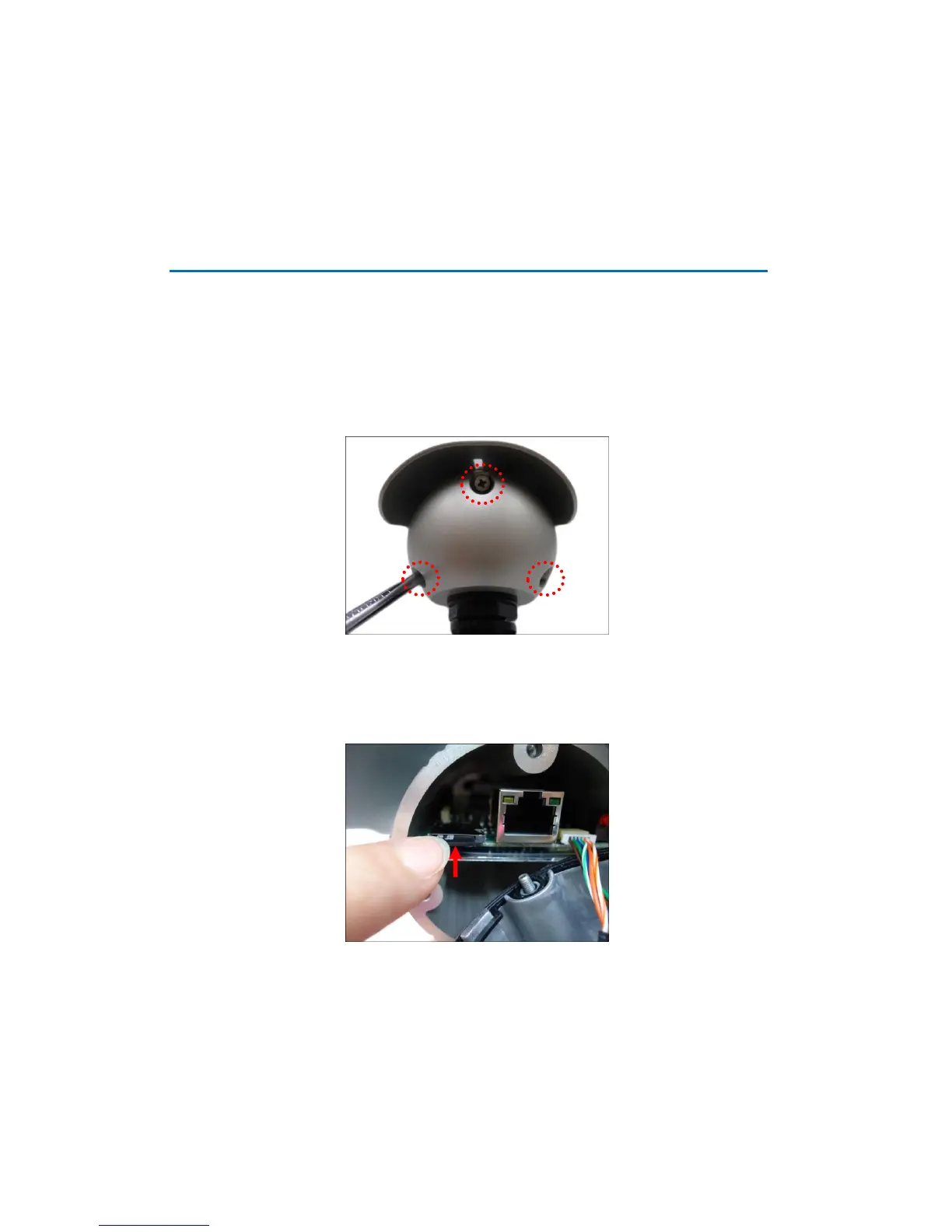
1. Loosen the three (3) screws to detach the back cover.
NOTE: A cable is connected inside the camera; do not abruptly pull the back cover.
2. Insert the memory card into the card slot with the metallic contacts facing down and push
the card until it clicks into place.















 To Next Page