Hardware Manual
15
Step 1: Remove the Pre-installed Network Cable (“Pigtail”)
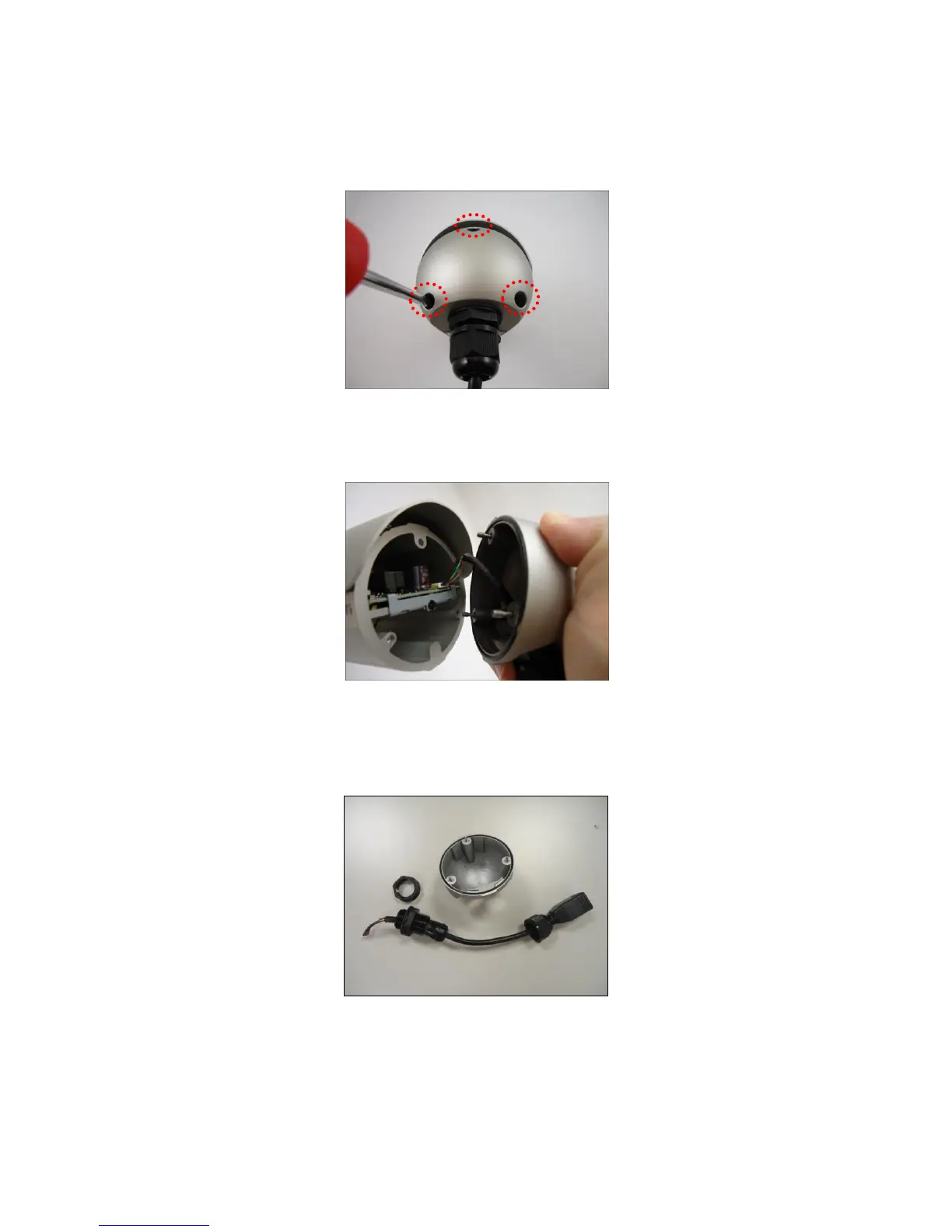
1. Loosen the three (3) screws to detach the back cover.
NOTE: A cable is connected inside the camera; do not abruptly pull the back cover.
2. Disconnect the network connector.
3. Remove the pre-installed cable gland and network cable using a wrench (not
included in the package).















 To Next Page