4-1
Chapter 4: Making Network Connections
Connecting Network Devices
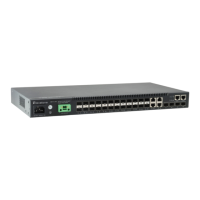
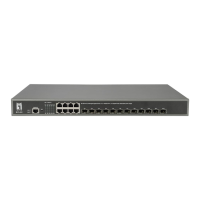
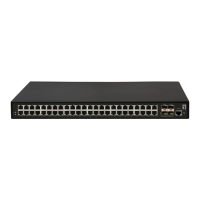
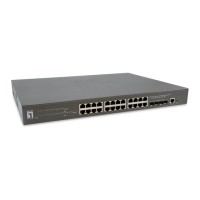
This switch is designed to interconnect multiple segments (or collision domains). It
can be connected to network cards in PCs and servers, as well as to hubs, switches
or routers. It may also be connected to devices using optional XFP or SFP
transceivers.
Twisted-Pair Devices
Each device requires an unshielded twisted-pair (UTP) cable with RJ-45 connectors
at both ends. Use Category 5e or better for 10GBASE-T connections, Category 5 or
better for 1000BASE-T and 100BASE-TX connections, and Category 3 or better for
10BASE-T connections.
Cabling Guidelines
The RJ-45 ports on the switch support automatic MDI/MDI-X pinout configuration, so
you can use standard straight-through twisted-pair cables to connect to any other
network device (PCs, servers, switches, routers, or hubs).
See Appendix B for further information on cabling.
Caution: Do not plug a phone jack connector into an RJ-45 port. This will damage the
switch. Use only twisted-pair cables with RJ-45 connectors that conform to
FCC standards.










 To Next Page