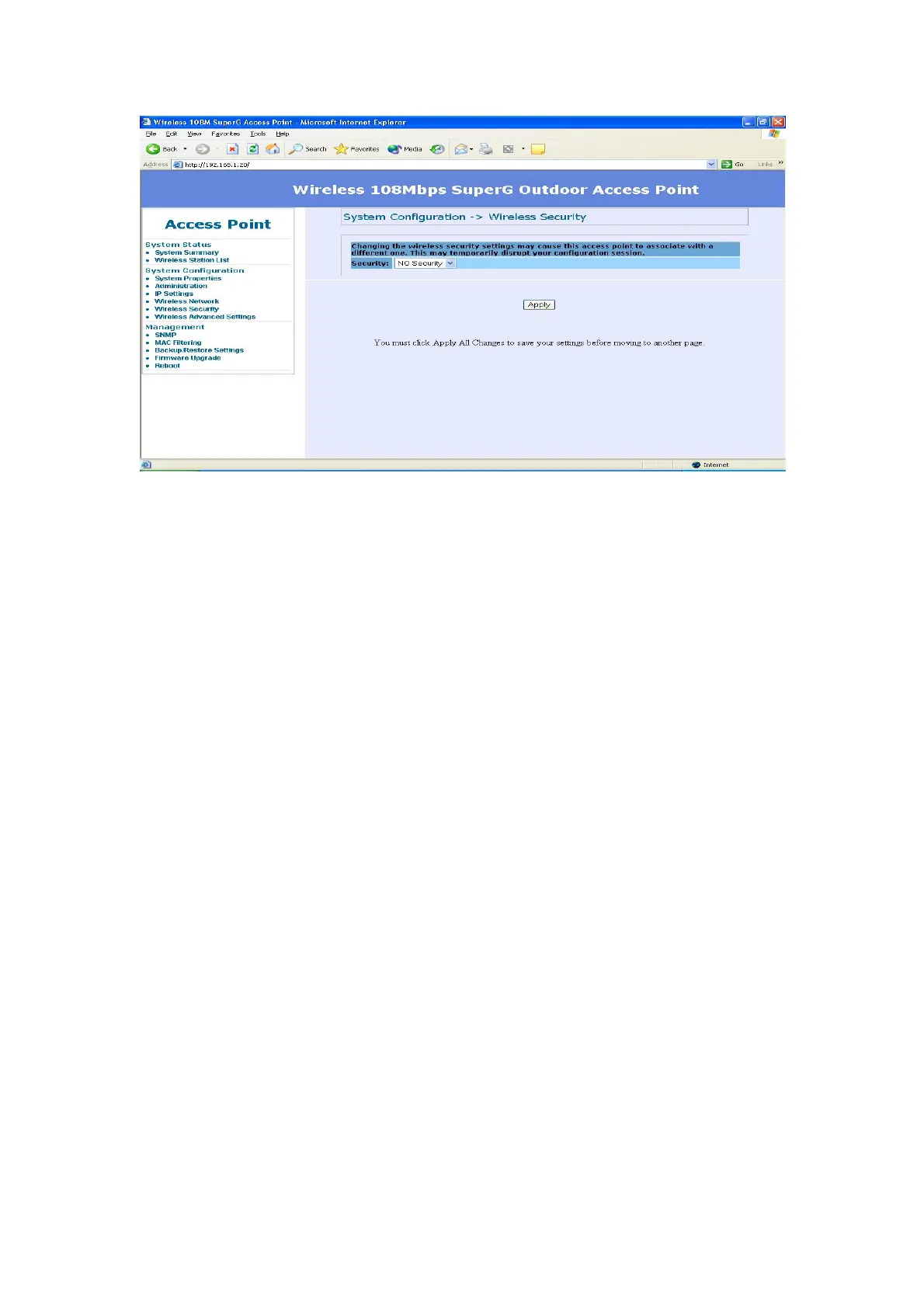
WEP is a basic encryption method, which is not as secure as WPA. To use WEP,
you will need to select a default transmit key and a level of WEP encryption,
z Authentication type – Select “Open System” to communicate the key
across the network. Select “Share Key” to limit communication to only
those devices that share the same WEP settings.
z Shared keys input type – Select HEX or ASCII depends on your
preference
z Key table – You can input 4 different WEP encryption keys into the table
and by choosing the radio button to decide which one is valid now. The AP
supports 64, 128 and 152bit key length. The longer key we choose usually
means the encryption is stronger.
After all changes are made, be sure to click on “Apply” to make sure all
changes are saved into system.
21














 To Next Page