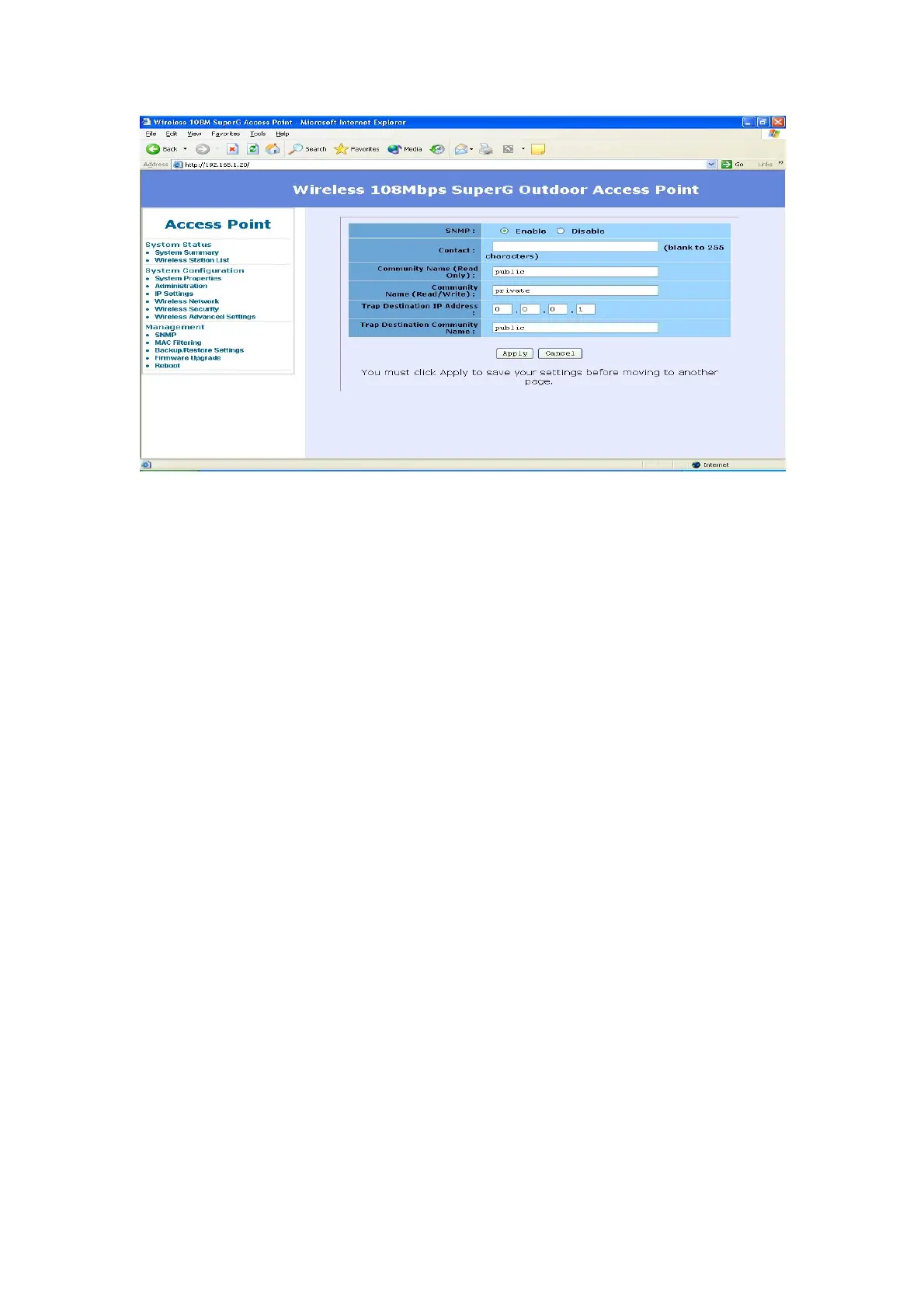
MAC Filtering
As an additional layer of security, MAC Filtering allows you to block network
access of specified stations through the access point.
Enable MAC Filtering
You can click the Checkbox MAC Filtering to Enable MAC Filtering.
MAC Filtering Rule
• Select Allow only station in list to filter any MAC address that NOT
listed in the MAC Filtering Table
• Select Allow any station unless in list to filter any MAC address that
listed in the MAC Filtering Table
Add MAC Address
You can input MAC address and click Add to add MAC address into the MAC
Filtering Table.
MAC Filtering Table
This lists any wireless stations you have entered. If you have not entered any
wireless stations this list will be empty.
To delete an existing entry, select it and then click the Delete button.
27














 To Next Page