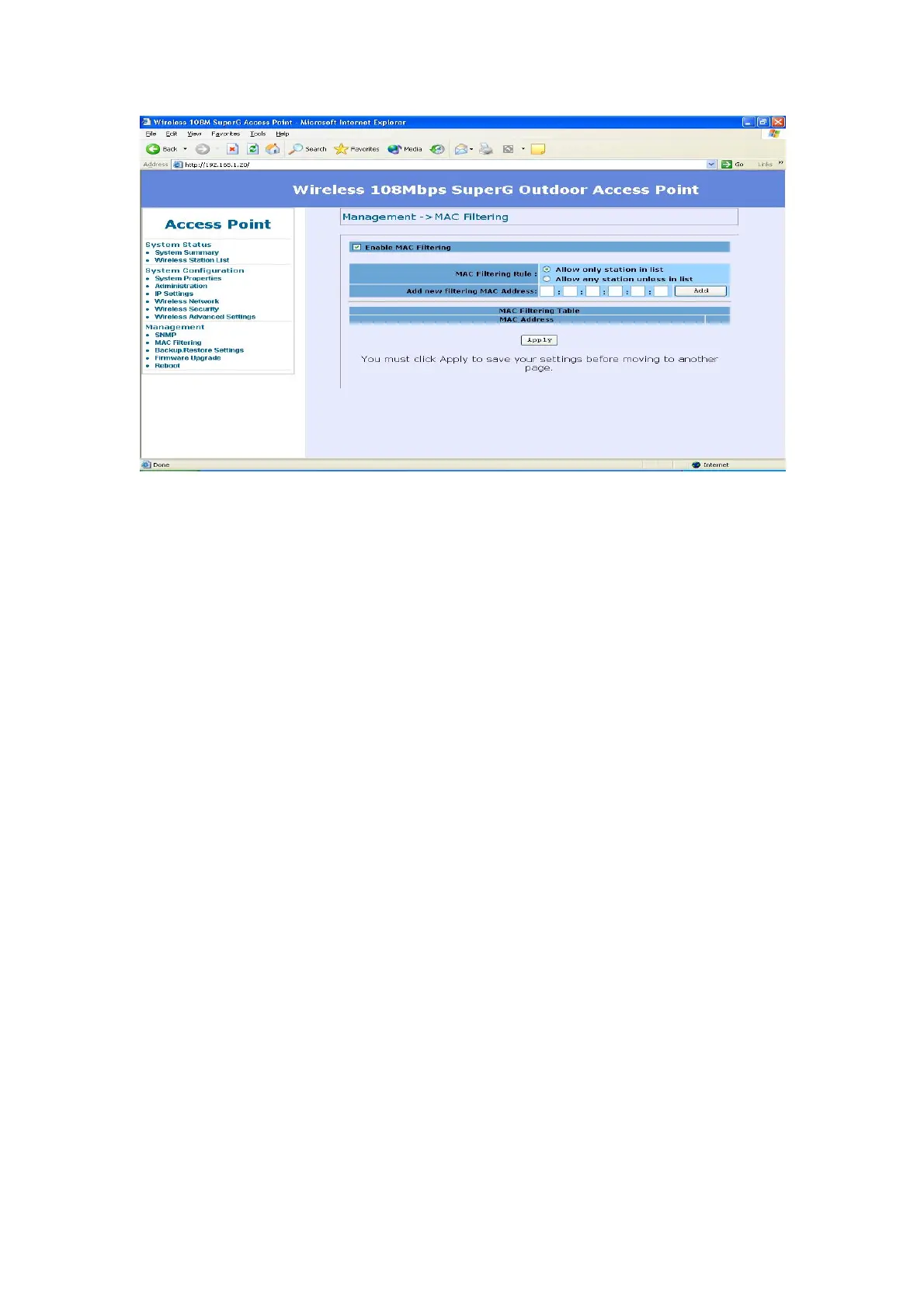
Backup/Restore Setting / Firmware Upgrade and Reboot -
In Management section, you can Backup/Restore Setting, Firmware
Upgrade and Reboot the system in following pages.
z Backup the current settings to a file – Click on the “Backup” button,
system will prompt you where to save the backup file. You can choose the
directory to save your configuration file.
z Restore settings from a backup file – Here you can restore the
configuration file from where you previous saved.
z Restore factory default setting – Be very carefully before restore
system back to default since you will lose all current settings immediately.
If you act the function, the ip address will restore the establishing value
situation.
192.168.1.20 in the IP Address field and 255.255.255.0 in the
Subnet Mask field.
28














 To Next Page