To power the device by DC
The LED blinks when LAN cable is in
The LED blinks when WAN cable is in
The LAN port is used to connect to network devices, such as
a switch.
The WAN/POE port is used to connect to network devices,
such as a switch and get power from Ethernet
With the AP powered on, press the Reset button for 10
seconds until the SYS LED blink faster with green light and
blue light alternatively. The AP will restart itself and reset the
device to factory default settings.
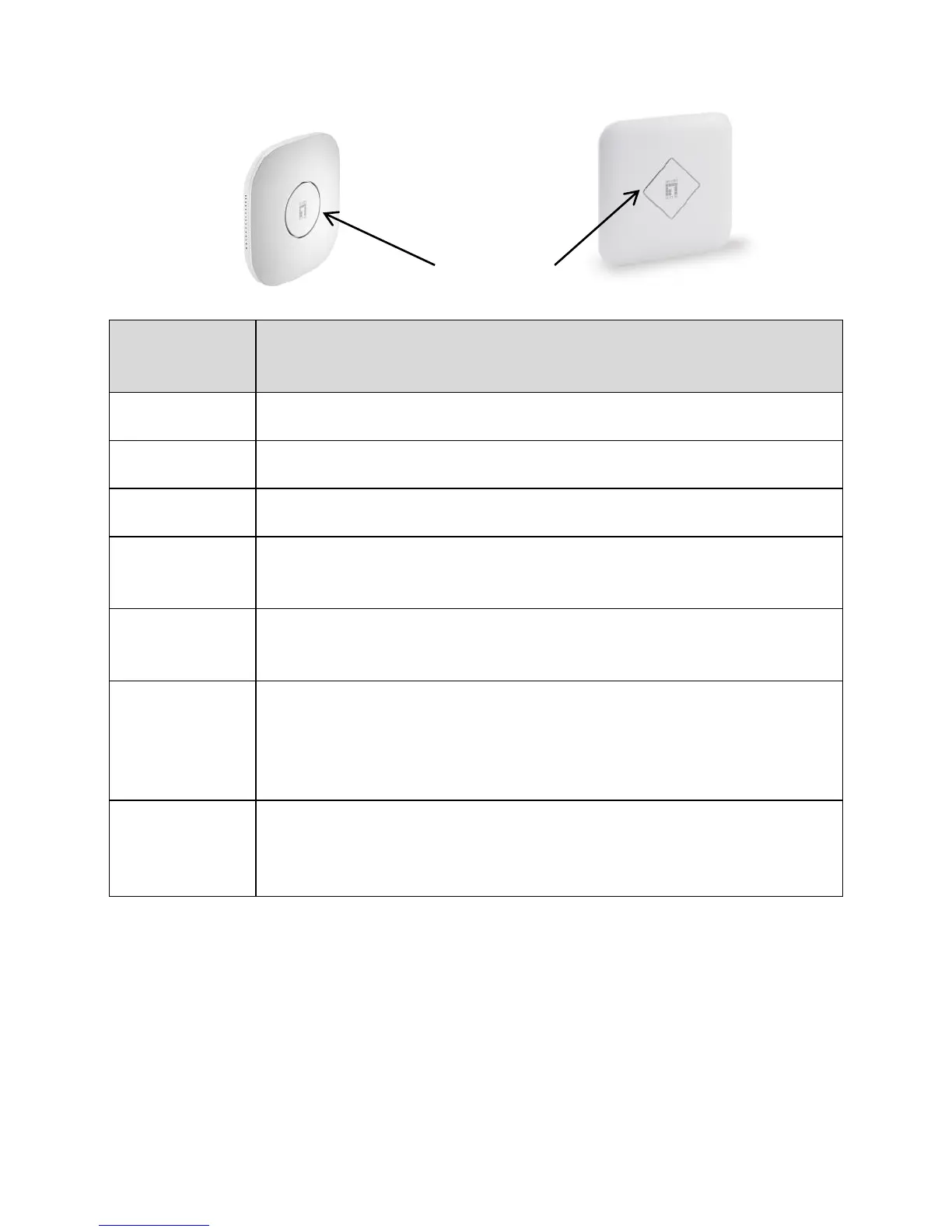
Green light means it is being powered. Blue light means it is
working normally. When it has more users, the blue light will
blink faster.















 To Next Page