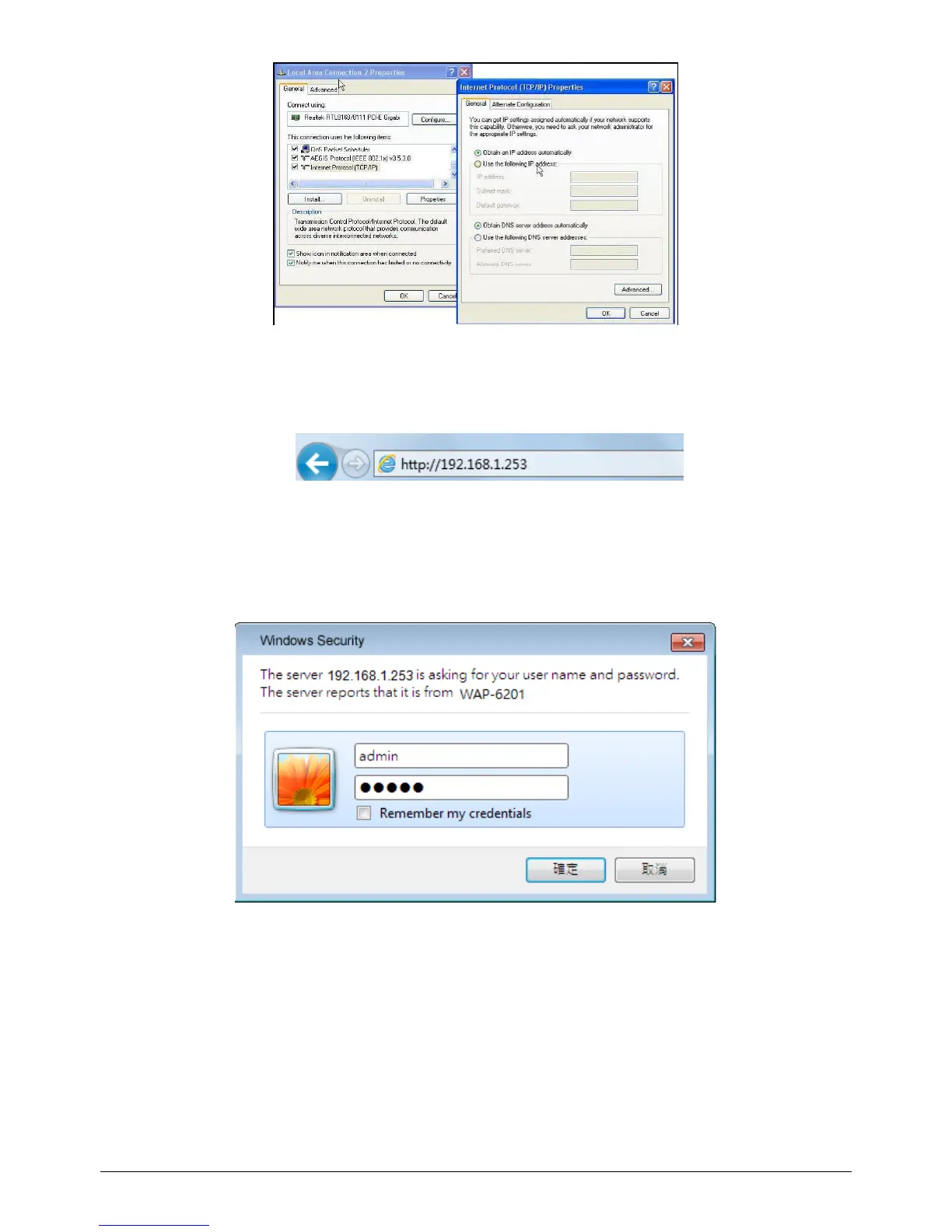
2. Launch a Web browser(Microsoft Internet Explorer 8 for example), enter the AP’s
Default LAN IP address 192.168.1.253 in the address bar, and then press Enter,
as shown in the following picture.
3. The Enter the default user name of admin and password of admin in theUser
Name and Password fields, click “OK” to access the AP’s Web GUI.
NOTE: The device works in FIT AP Mode by default, you can goto “Start → Device
Mode” to change the Device Mode to FAT AP Mode.















 To Next Page