PC Configuration
55
If using WPA-PSK Data Encryption
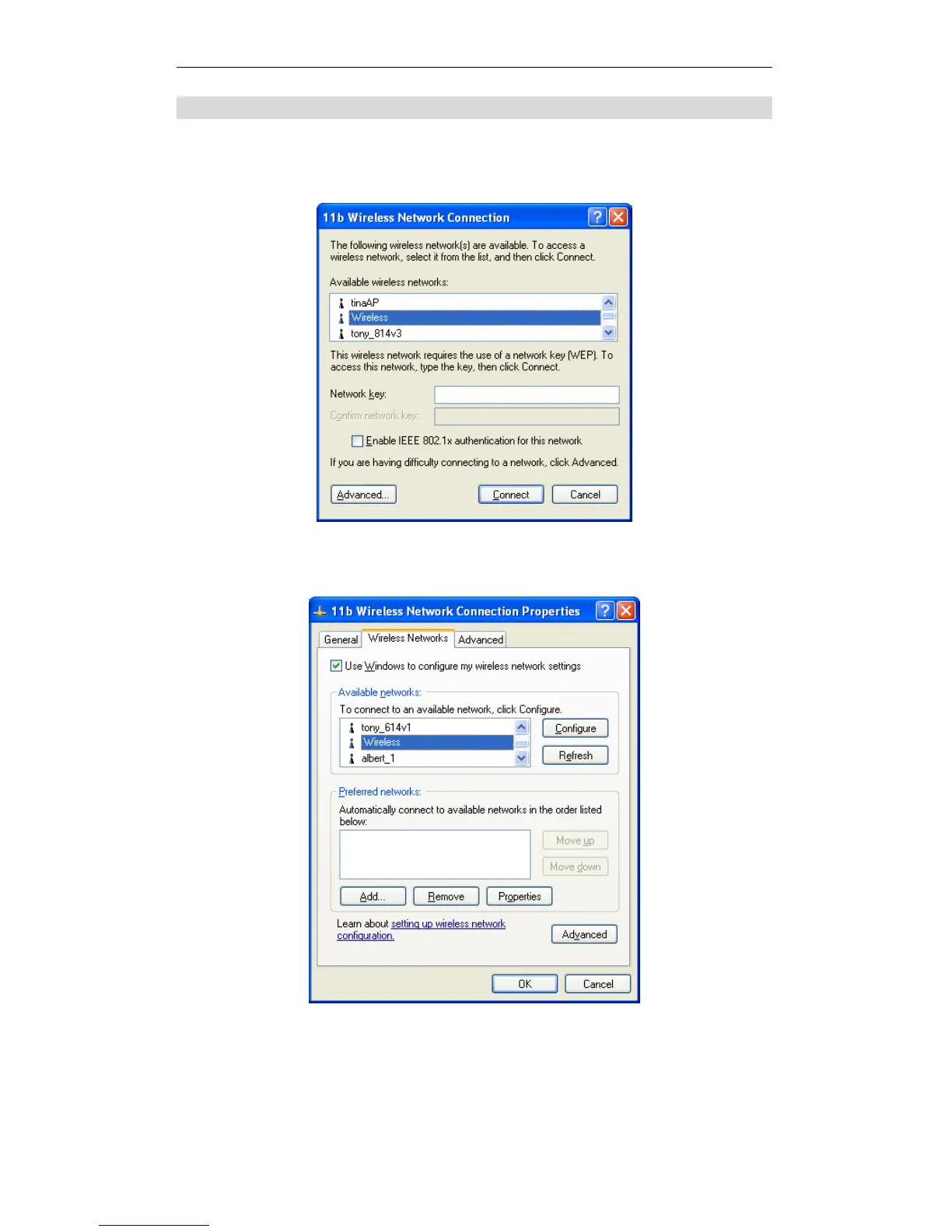
If WPA-PSK data encryption has been enabled on the Wireless Router, it does not
matter which network is selected on the screen below. Just click the Advanced
button.
Wireless Networks (Windows XP)
You will then see a screen like the example below.
Advanced - Wireless Networks
Select the SSID for the Wireless Router, and click Configure, to see a screen like
the following:















 To Next Page