PC Configuration
59
If using data encryption (WEP or WPA-PSK), enter the key used on the
Wireless Router. See the preceding sections for details of WEP and WPA-
PSK.
Uncheck the options The key is provided for me automatically and This is a
computer-to-computer (ad hoc) network.
Click OK to save and exit.
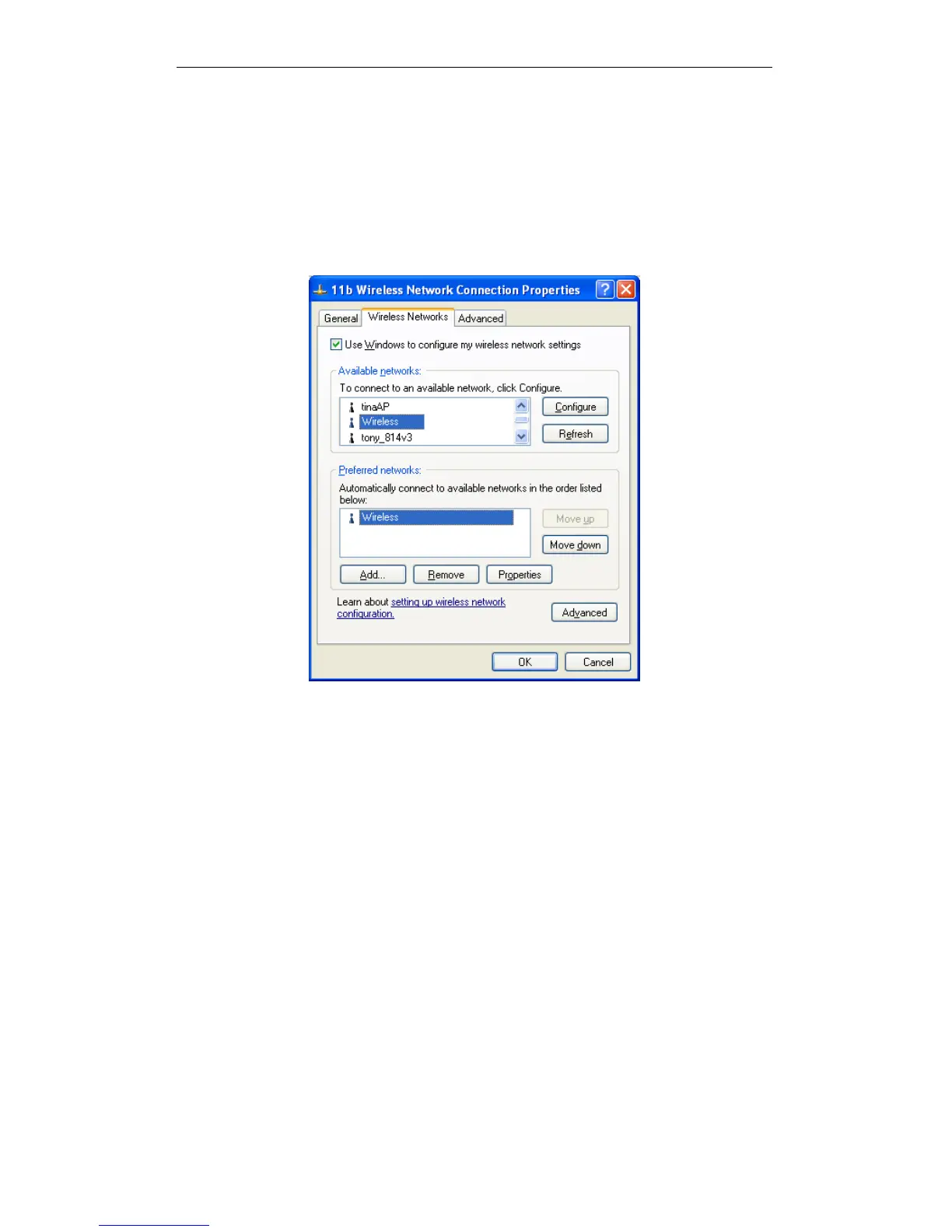
4. This wireless network will then be listed in Preferred Networks on the screen
below.
Preferred Networks
5. Click OK to establish a connection to the Wireless Router.















 To Next Page