9
Brief description Leventi oven
2 Brief description Leventi oven
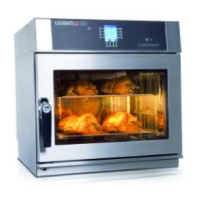
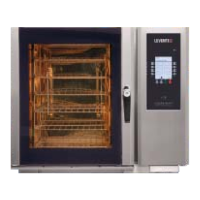
2.1 The oven
Your Leventi furnace is a convection oven.
Mastermind
The operation is menu-driven. The oven has a maximum
of 200 pre-programmed food preparation programmes.
You select a program on the operation panel.
Digital
The Digital is manually operated.
2.2 Intended use
This oven is only allowed to be used for food preparations
as described in this manual. Using this oven for any other
purpose is not allowed.
2.3 Models
There are four different types in this range. The data of
the different ovens are to be found elsewhere in this
manual.
2.4 Operating the oven
2.4.1 Display and operation panel
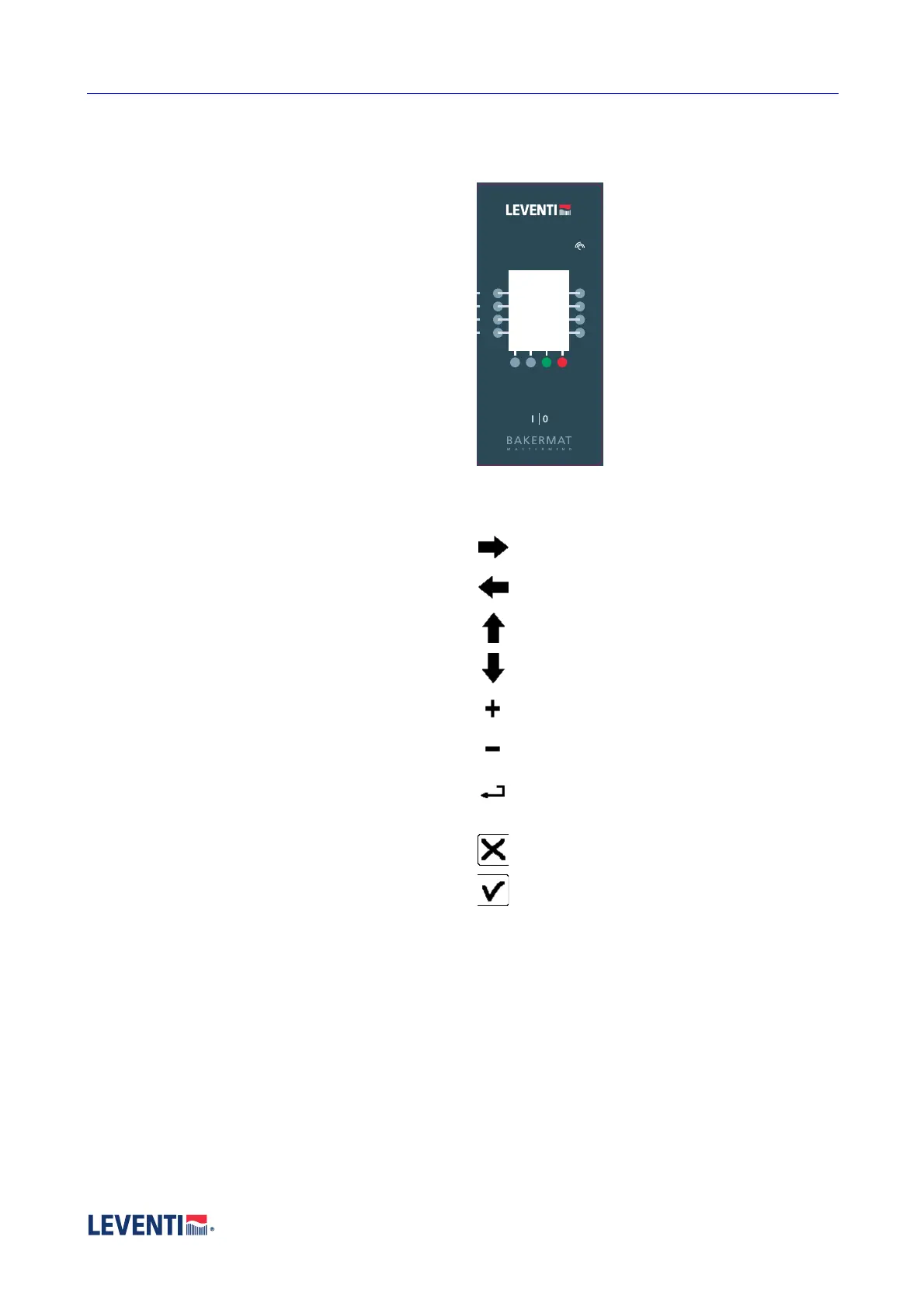
The display is provided with push
buttons besides and under the
screen. The function of the buttons
is reflected in the display and can
vary per screen.
Softkeys
The functions of the keys are
explained in the display and can
vary! These buttons are called soft
keys. Sometimes symbols and
sometimes texts are used in the
display.
The symbols
The meaning of the softkeysymbols are:
Move cursor to the right.
Move cursor to the left.
Scroll up
Scroll down.
Increase the value (on the line).
Decrease the value (on the line).
Go one step back in the menu. Eventual changes
will not be saved.
Don’t show menu option.
Do show menu option.
The caption
Menu : start menu.
Options : possible choices.
Ready : confirm completed name or change.
OK : confirm character.
DEL : delete last character.
Continue : go to next screen in menu.
Back : go back to previous screen.
Start : start selected programme.
Stop : stop current running programme.
With the softkeys, texts appear in the display of all kinds
of group names, product names, menu options,


 To Next Page