12
Add your dimmer to a hub
To control your dimmer with your phone, add it to a compatible
Zigbee hub. Use the hub's app and follow the instructions for
adding a dimmer. When you power up your dimmer it immediately
enters inclusion mode (some hubs may use the term connect, join
or pair).
When joining multiple devices, the air gap can be used to ensure
only one active device is enrolled.
If the hub uses older inclusion processes contact technical
services for specific product instructions.
Minimum dim level
The default dimmer settings work well with most lighting fixtures.
If you are not experiencing full rage dimming, please adjust the
minimum dim level.
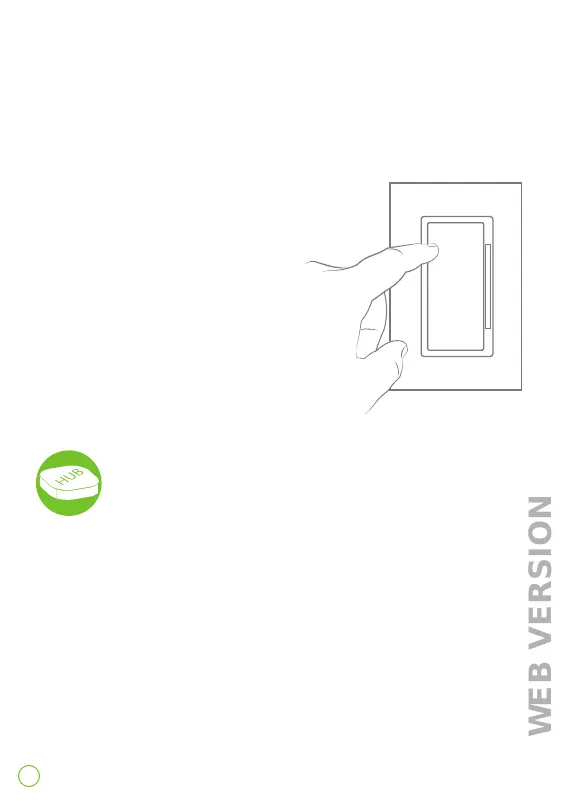
1. Enter programming mode by holding the top of the paddle
for 7 seconds.
- Status light will turn amber.
2. Tap the top of the paddle 5 times.
- Status light will quickly flash red/amber.
3. Tap the top of the paddle once.
- Status light will flash amber.
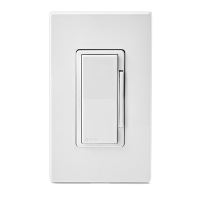
4. Use the dim/bright bar to adjust
the minimum dim level.
5. Hold the top of the paddle to exit.


 To Next Page