11
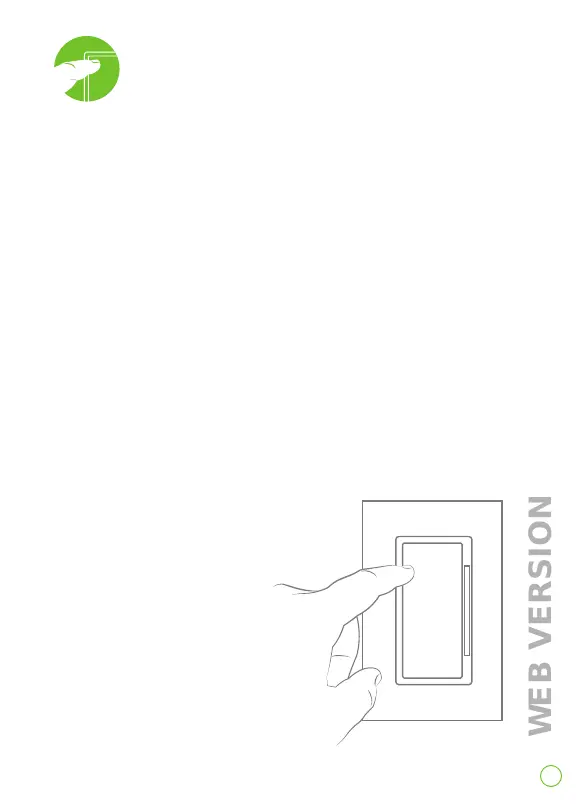
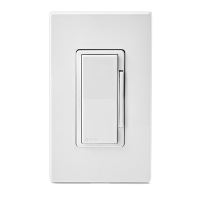
1. Manually control light levels with rocker or dimmer bar.
2. Program your dimmer.
Set your dimmer’s load type for proper
operation.
1. Enter programming mode by holding the top of the paddle
for 7 seconds.
- Status light will turn amber.
2. Tap the top of the paddle 4 times.
- Status light will quickly flash green/amber.
3. Tap the top of the paddle to choose your load type.
Tap: If your light is:
4 times = incandescent load
5 times = LED load
6 times = CFL load
- Status light will quickly
flash green/amber 3 times.
Operate and program


 To Next Page