10
Test and install
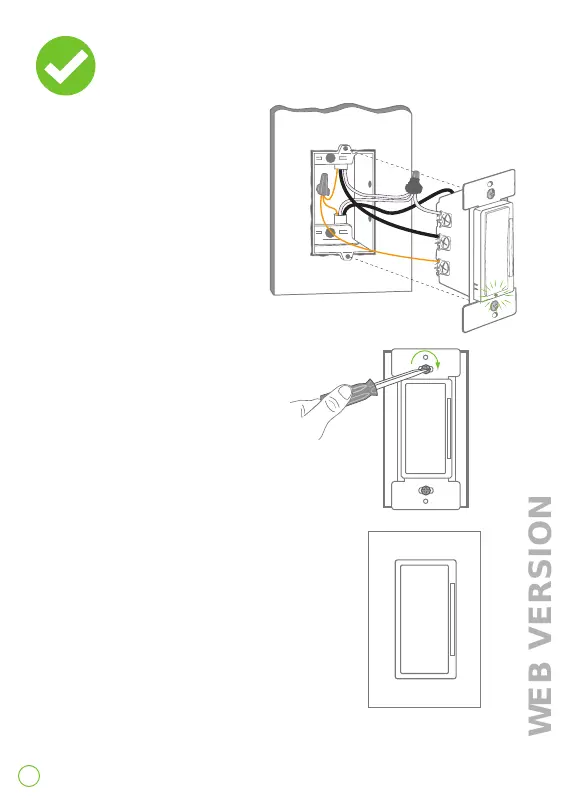
1. Restore power. Status
light should flash green
indicating your dimmer is
ready to join the network.
Turn off power at circuit breaker
before completing the dimmer
installation.
2. Gently push wires into wall box.
Screw dimmer to box.
3. Install screwless wallplate base
and snap on Decora wallplate.
Restore power.
Congratulations!
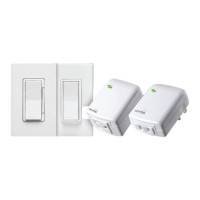
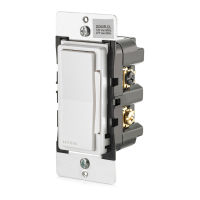
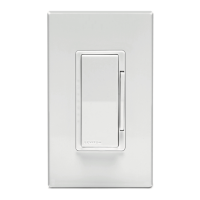
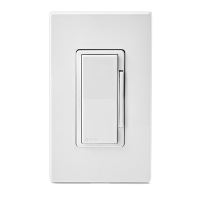
Your Decora Smart dimmer
is ready to control your light(s).


 To Next Page