12
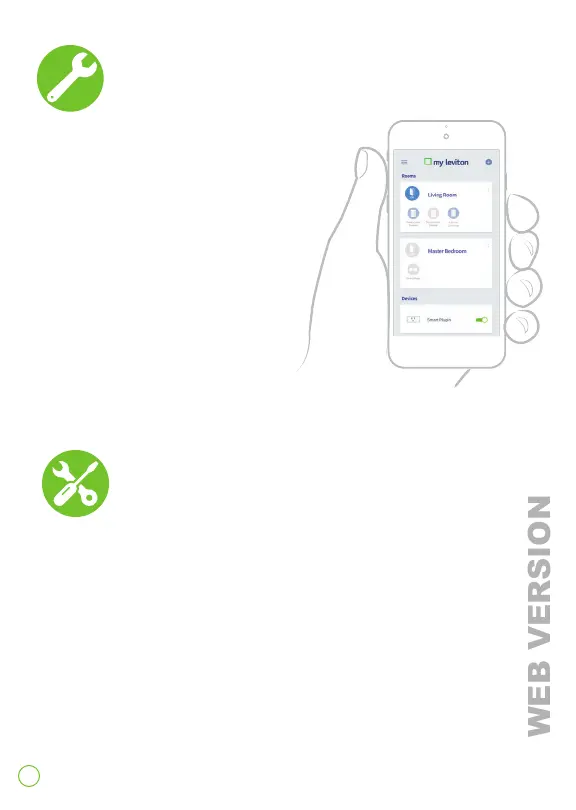
1. Open the My Leviton app.
2. Follow prompts in the app to create
scenes and assign a scene to
each button.
NOTE: Watch for firmware and
app updates as new features are
always being added to the
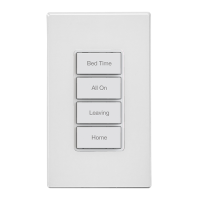
4 Button Controller.
Configure
Factory Default
To reset the 4 button controller to factory settings:
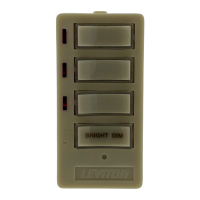
1. Hold the top button for a total of 14 seconds.
2. After the first 7 seconds the LED turns amber. Continue
to hold.
3. After a total of 14 seconds, the bottom button's status
light will quickly flash red/amber.
4. Release the top button and it will reset.




 To Next Page