EasyManua.ls Logo

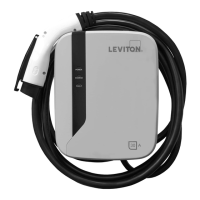
Leviton evr-green EVR40-B2C - User Manual

Leviton evr-green EVR40-B2C
53 pages
Print Icon
To Next Page IconTo Next Page
Loading...
evr-green
®
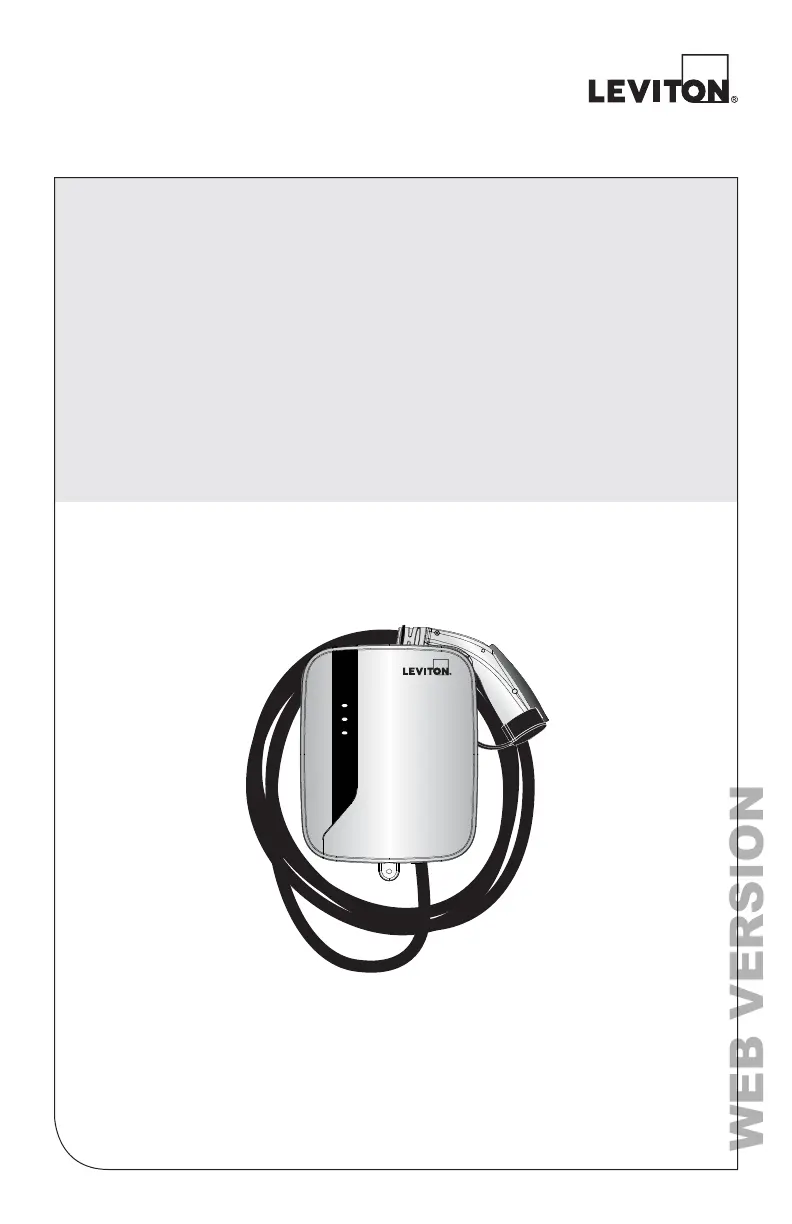
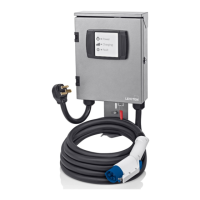
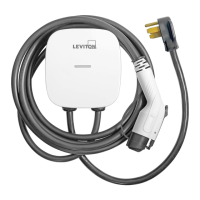
Electric Vehicle Charging Station
30 Amp Hardwired Model EVR30-B1C
40 Amp Hardwired Model EVR40-B2C
30 Amp Hardwired Model EVR30-R2C RFID
Installation Guide
PK-A3171-10-02-5B
POWER
CHARGE
FAULT
WEB VERSION

Table of Contents

Questions and Answers

  • D
    dunlapandrewAug 12, 2025
    What to do if fault indicator is in solid red on Leviton evr-green EVR40-B2C?
    • D
      Dennis CalderonAug 12, 2025
      If the fault indicator on your Leviton Battery Charger is solid red, it indicates a critical error such as a CCID trip or relay failure. First, unplug the charging connector. If the issue continues, power cycle the charger. If the situation persists, contact Technical Services.
  • L
    lwilliamsAug 19, 2025
    What to do if fault indicator flashes red while charging Leviton evr-green EVR40-B2C Battery Charger?
    • S
      Stephanie MasseyAug 19, 2025
      If the fault indicator starts flashing red during charging on your Leviton Battery Charger, it indicates a temporary error. Wait until the error resolves itself and the charger returns to normal status, which usually takes less than 10 seconds. If the indicator doesn’t return to green, power cycle the charger. If the problem persists, contact Technical Services.
  • E
    Eric ParkAug 27, 2025
    Why charging indicator does not illuminate on Leviton evr-green EVR40-B2C?
    • D
      danielle35Aug 27, 2025
      If the charging indicator on your Leviton Battery Charger does not illuminate, ensure that the charging plug is firmly inserted into the EV charging inlet. If it still doesn't light up after 10 seconds, power cycle the AC charger and plug in the charging plug again. If the situation persists, contact Technical Services.
  • D
    Dylan TorresSep 3, 2025
    How to fix power indicator if it does not illuminate on Leviton evr-green EVR40-B2C?
    • A
      Anthony WhiteSep 4, 2025
      If the power indicator on your Leviton Battery Charger does not illuminate, make sure the AC power input is correctly connected. If it is, try power cycling the AC charger. If the problem continues, contact Technical Services.

Leviton evr-green EVR40-B2C Specifications

General IconGeneral
Charging LevelLevel 2
Voltage208-240 VAC
Connector TypeSAE J1772
Indoor/Outdoor UseIndoor/Outdoor
Cable Length25 ft
Mounting TypeWall-Mounted
MountingWall
Input Voltage208-240 VAC
Output Voltage208-240 VAC
Output Current40A
Charging ModesStandard
TypeEV Charger
EnclosureNEMA 3R
CompatibilityAll Electric Vehicles
Protection FeaturesOvercurrent Protection, Ground Fault Protection

Related product manuals