EasyManua.ls Logo

Leviton EVBL2 Series - User Manual

Leviton EVBL2 Series
28 pages
Print Icon
To Next Page IconTo Next Page
Loading...
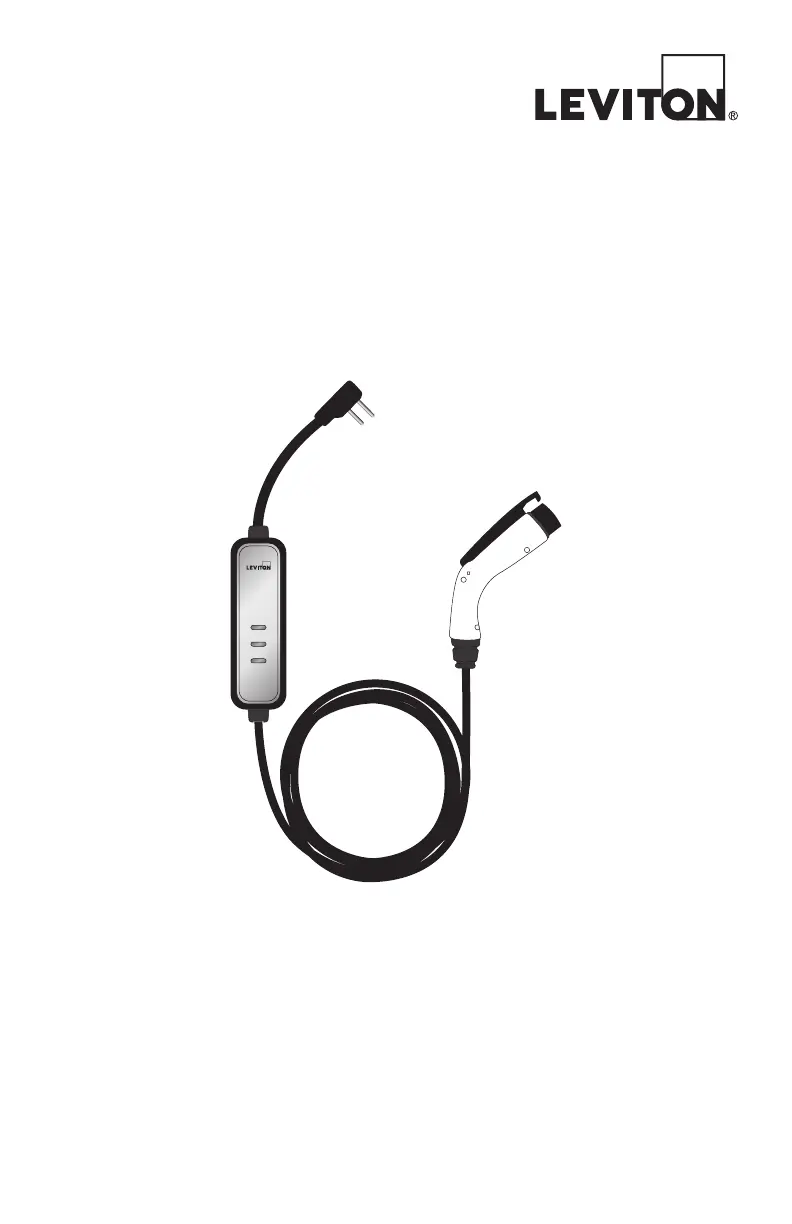
Level 2
Electric Vehicle Supply Equipment
Charging Station
Chargeur de véhicules électriques de niveau 2
Mode d’emploi
Estación de Carga de Equipo Suministrador de Energía
para Vehículo Eléctrico Nivel 2
Manual de Operación
Operating Manual
READY
CHARGE
FAULT

Questions and Answers

  • P
    pbowenJul 28, 2025
    What to do if Fault indicator LED is solid red on Leviton EVBL2 Battery Charger?
    • M
      Maria MillerJul 28, 2025
      If the fault indicator LED is solid red, this indicates a critical error. First, unplug the charging connector from the EV charging port. Then, unplug and re-plug the AC power plug at the wall outlet to power cycle.
  • J
    John CopelandAug 7, 2025
    What to do if Fault indicator LED starts flashing red while charging Leviton Battery Charger?
    • J
      jonathancoxAug 7, 2025
      If the fault indicator LED flashes red during charging, it indicates a temporary error. Wait approximately 15 minutes for the charging station to return to normal. If the power indicator LED doesn’t return to green, unplug and replug the AC power plug at the wall outlet to power cycle the device.
  • H
    Holly PowellAug 17, 2025
    How to fix Power indicator LED if it does not illuminate on Leviton EVBL2?
    • I
      igarciaAug 17, 2025
      If the power indicator LED doesn't illuminate, ensure the AC power plug is correctly connected and that the AC power is within the operating range of the unit.

Summary

Warnings and Cautions

Overview of EVSE Charging Station

Status Indicator

Explains the function of the status indicator LEDs for device operation.

Mounting the EVSE Charging Station

Additional Parts and Tools

Lists all necessary components and tools required for the installation process.

Mounting Location

Provides guidance on selecting an appropriate and safe site for installation.

Charging an Electric Vehicle

Additional Information and Troubleshooting

Auto Restart and Temporary Errors

Details automatic restart functionality and common temporary error conditions.

Troubleshooting Guide

Provides solutions for common issues based on indicator LED status.

Customer Support Contact

Information on how to contact customer support for assistance.

Product Specifications

Technical Specifications

Details electrical, environmental, and mechanical specifications of the charging station.

FCC and IC Statements

Regulatory compliance information regarding radio frequency emissions.

Warranty Information

Outlines the terms and conditions of the product warranty.

Leviton EVBL2 Series Specifications

General IconGeneral
Input Voltage208-240 VAC
Output Voltage208-240 VAC
Connector TypeSAE J1772
Weather ResistanceYes
Operating Temperature-22°F to 122°F (-30°C to 50°C)
TypeLevel 2
Amperage16A, 32A, 40A
MountingWall-mounted
Cord Length18 ft, 25 ft
Enclosure RatingNEMA 3R

Related product manuals