12
Customization
Status light setup
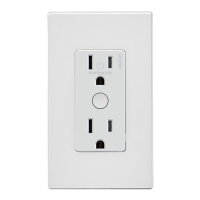
Leviton Decora Smart branded Z-Wave enabled devices have a
status light. The functionality of this light can be changed.
Status Mode: Light on when the load is on.
The status light shows the current state of the load:
1. To enter programming mode, hold the button for 7 seconds.
The locator light will turn amber.
2. Tap the button 4 times. The status light will quickly
flash green/amber.
3. Tap the button 1 time. The status light will flash green
4 times to confirm the selection.
Light on when the load is o.
The status light is used to easily find the outlet in a dark room:
1. To enter programming mode, hold the button for 7 seconds.
The locator light will turn amber.
2. Tap the button 4 times. The status light will quickly
flash green/amber.
3. Tap the button 2 times. The status light will flash amber
4 times to confirm the selection.
Light is always o.
1. To enter programming mode, hold the button for 7 seconds.
The status light will turn amber. Release and the status light
will blink.
2. Tap the button 4 times. The status light will quickly
flash green/amber.
3. Tap the button 3 times. The status light will flash red
4 times to confirm the selection.


 To Next Page