11
Factory Default
When removing a device from a network it is best practice to use
the exclusion process. In situations where a device needs to be
returned to factory default follow the
following steps. A reset should only be
used when a controller is inoperable or
missing.
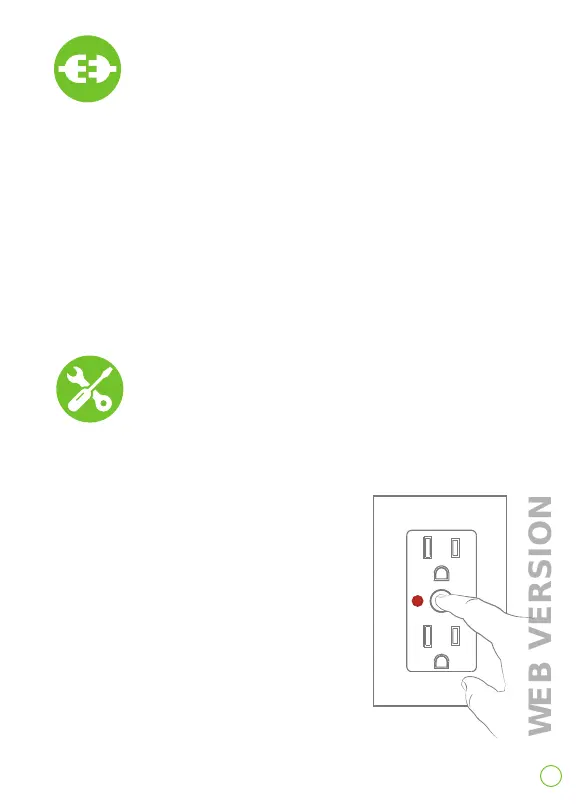
1. After holding the button for
7 seconds, the status light will
turn amber. Continue holding the
button for another 7 seconds
(total of 14 seconds). Light will
quickly flash red/amber.
2. Release the button and
the device will reset.
Exclusion From A
Z-Wave Network
When removing an outlet from a Z-Wave network, it is best practice
to use the exclusion command found in the Z-Wave controller.
1. To enter programming mode, hold the button for 7 seconds. The
status light will turn amber. Release and the status light will blink.
2. Follow Z-Wave controller directions to enter exclusion mode.
3. Tap the the top of the paddle 1 time. The status light will
quickly flash green.
4. The Z-Wave controller will remove the device from the network.


 To Next Page