7
Operation
NOTE:
• If the relative humidity exceeds 68%, turn o
the humidifier or set it to the low mist setting.
Excess humidity may have a negative eect
on your health.
• It is recommended to adjust the settings on
the humidifier based on your room’s current
relative humidity, room size, and indoor
temperature.
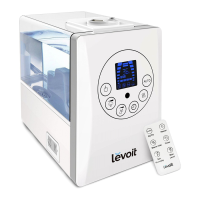
NOTE: For added convenience, the same button
controls can be found on the included remote
control.
NOTE: The default setting when you first turn on
the humidifier is the medium cool mist setting.
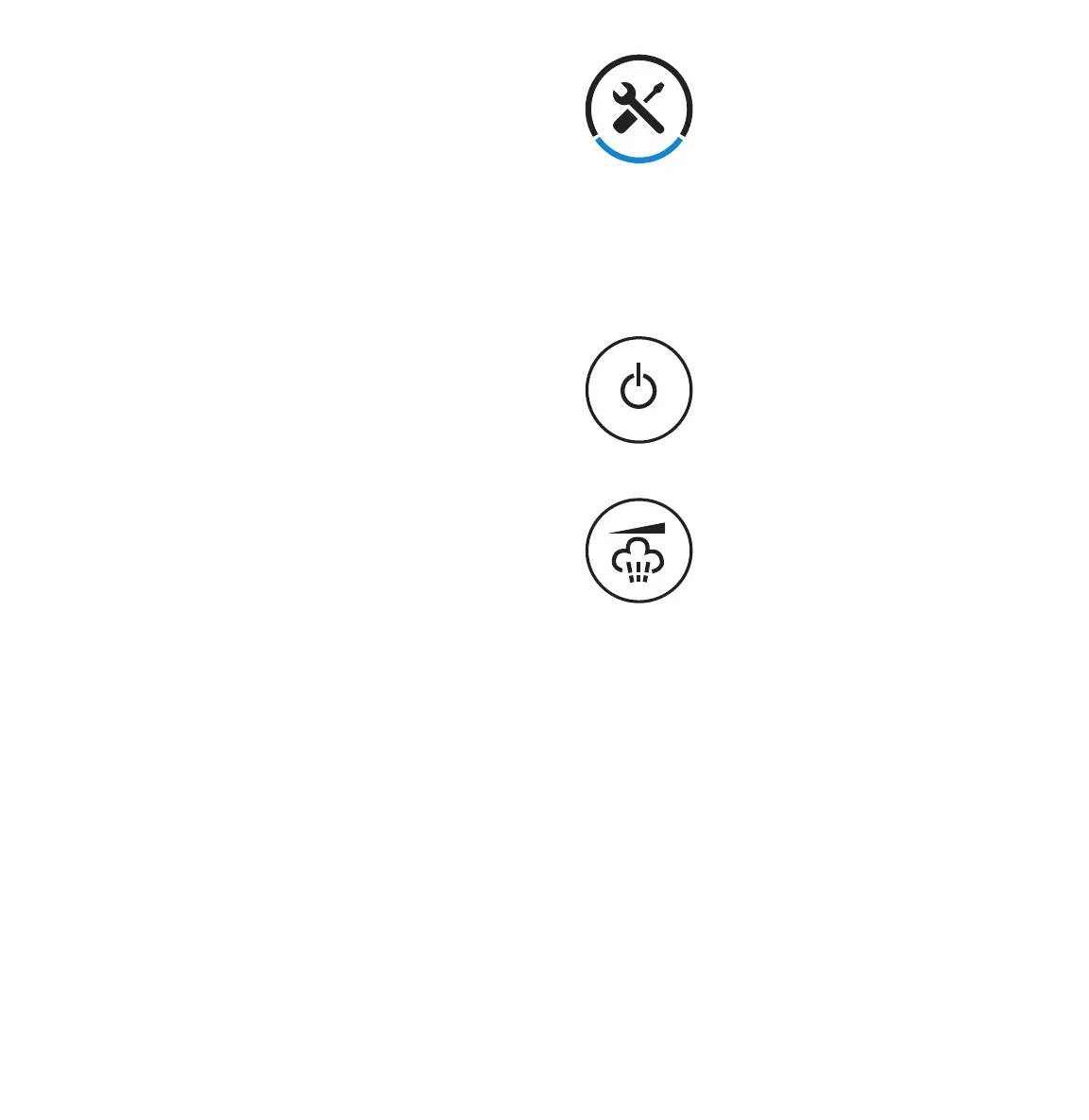
Turns on or turns o the
humidifier.
Press the mist level button to
cycle through the humidifier’s
3 cool mist settings.
• Press once for the low mist setting.
• Press twice for the medium setting.
• Press three times for the high mist
setting.
Button Controls
4. Carefully place water tank back onto
the base, making sure that the tank is
properly aligned. Replace the handle
cover.
5. Plug the humidifier into an electrical
outlet. The unit will chime, indicating it is
in standby mode.
doing so will damage the device.
• Only fill the water tank with cold or room
temperature water.





 To Next Page