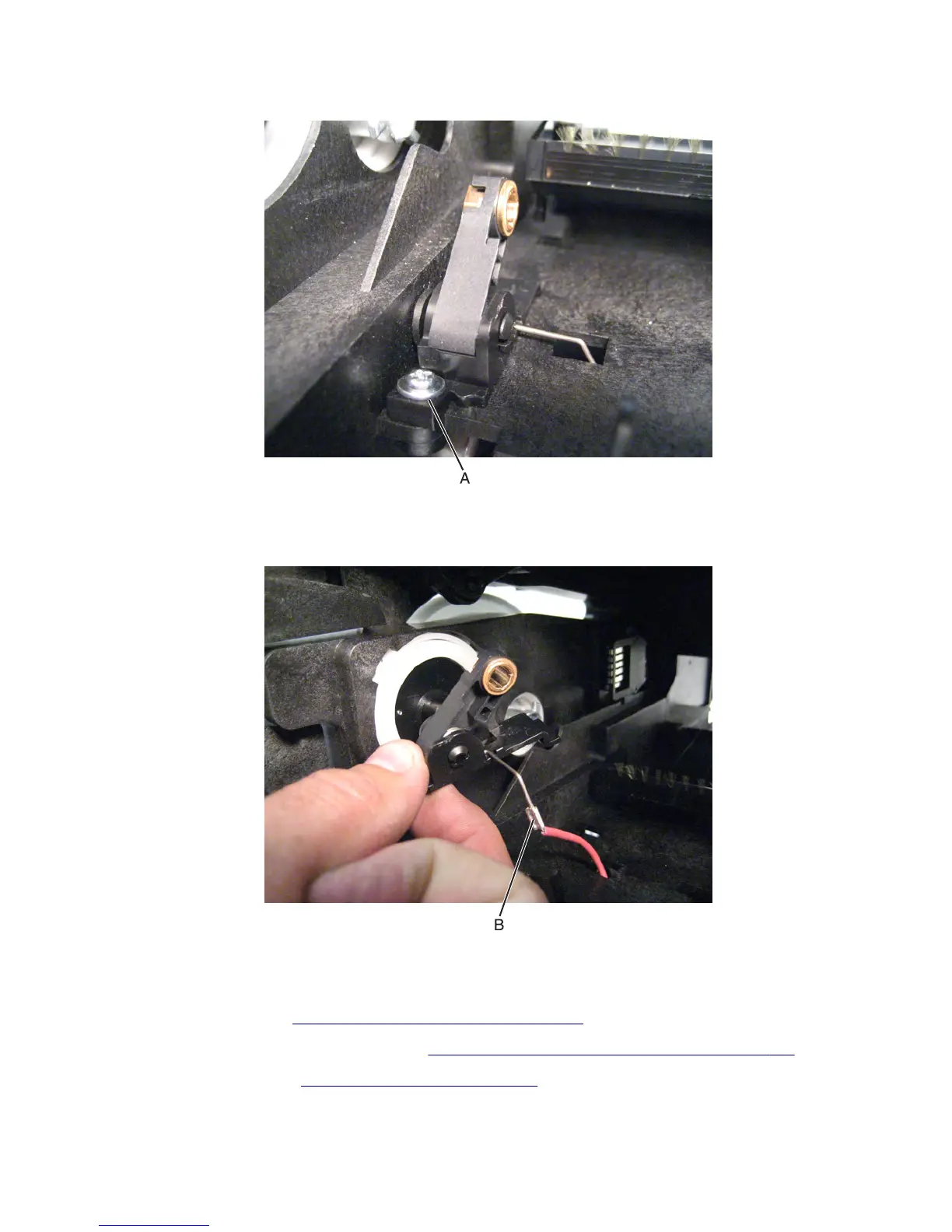
17 Remove the screw (A) securing the part to the machine.
18 Remove the transfer roller left arm with cable.
19 Disconnect the cable (B) from the HVPS.
Transfer roller right arm removal
1 Remove the left cover. See “Left cover removal (MX71x)” on page 416.
2 Remove the controller board access shield. See “Controller board access shield removal” on page 424.
3 Remove the media tray. See “Media tray removal” on page 538.
7463
Repair information
477



 To Next Page