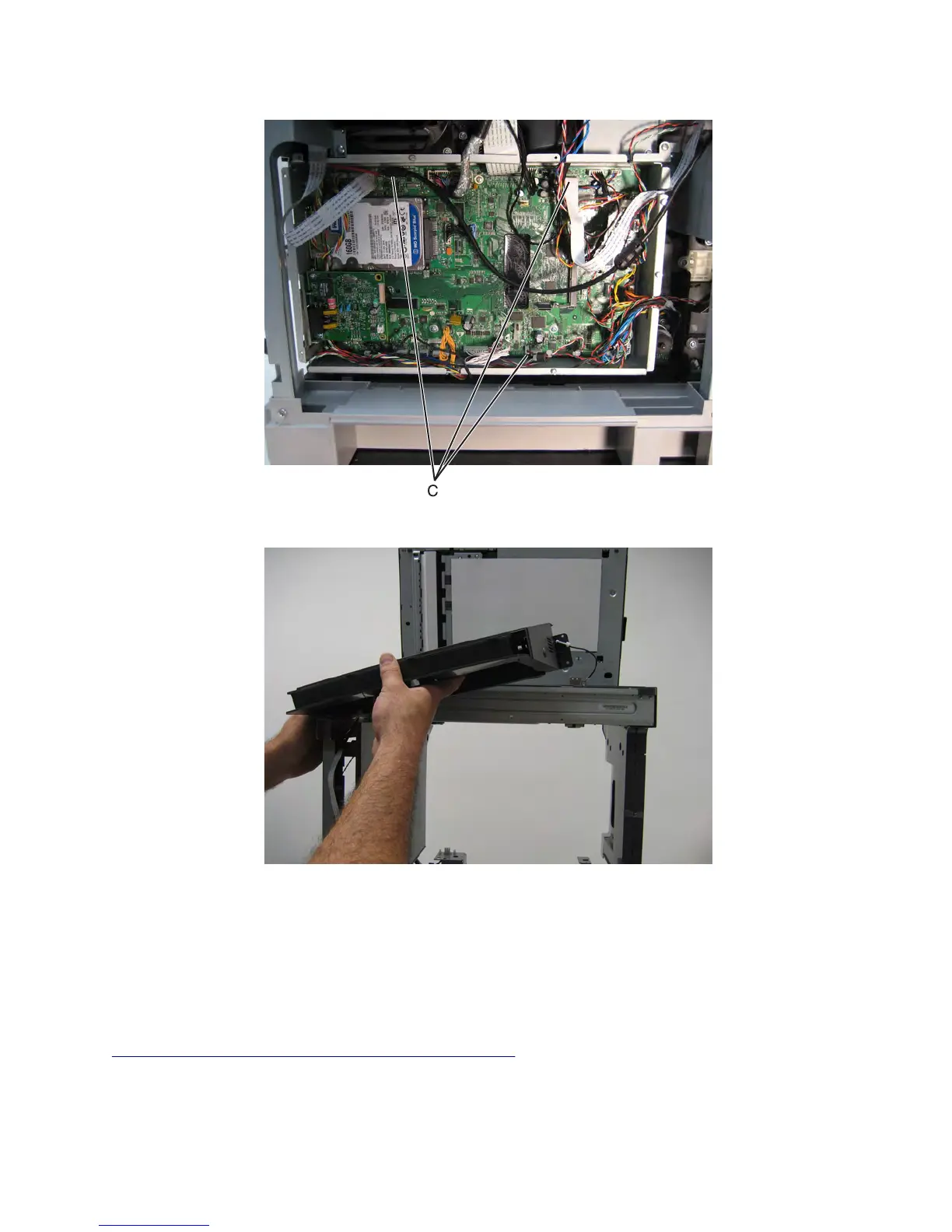
11 Disconnect the three cables (C) from the controller board.
12 Remove the control panel.
Control panel board removal (MX71x)
Warning—Potential Damage: When replacing the control panel, control panel board, or controller board, replace
only one component at a time. Replace the required component and perform a POR before replacing a second
component. If this procedure is not followed, the printer will be rendered inoperable. Never replace both the control
panel and the controller board without a POR after installing each one or the printer will be rendered inoperable.
Never install or remove these components as a method of troubleshooting while operating in normal user mode.
See
“Controller board/control panel replacement” on page 372.
7463
Repair information
494



 To Next Page