Warning—Potential Damage: When a component has been installed in a machine and has been powered up in
normal user mode, it cannot be used in another machine; it must be returned to the manufacturer. The machine
must be powered up in Diagnostic mode or the controller board, control panel boards, or control panel will become
locked.
1 Remove the control panel front cover. See “Control panel front cover removal” on page 510.
2 Remove the control panel right bezel. See “Control panel right bezel removal (MX71x)” on page 515.
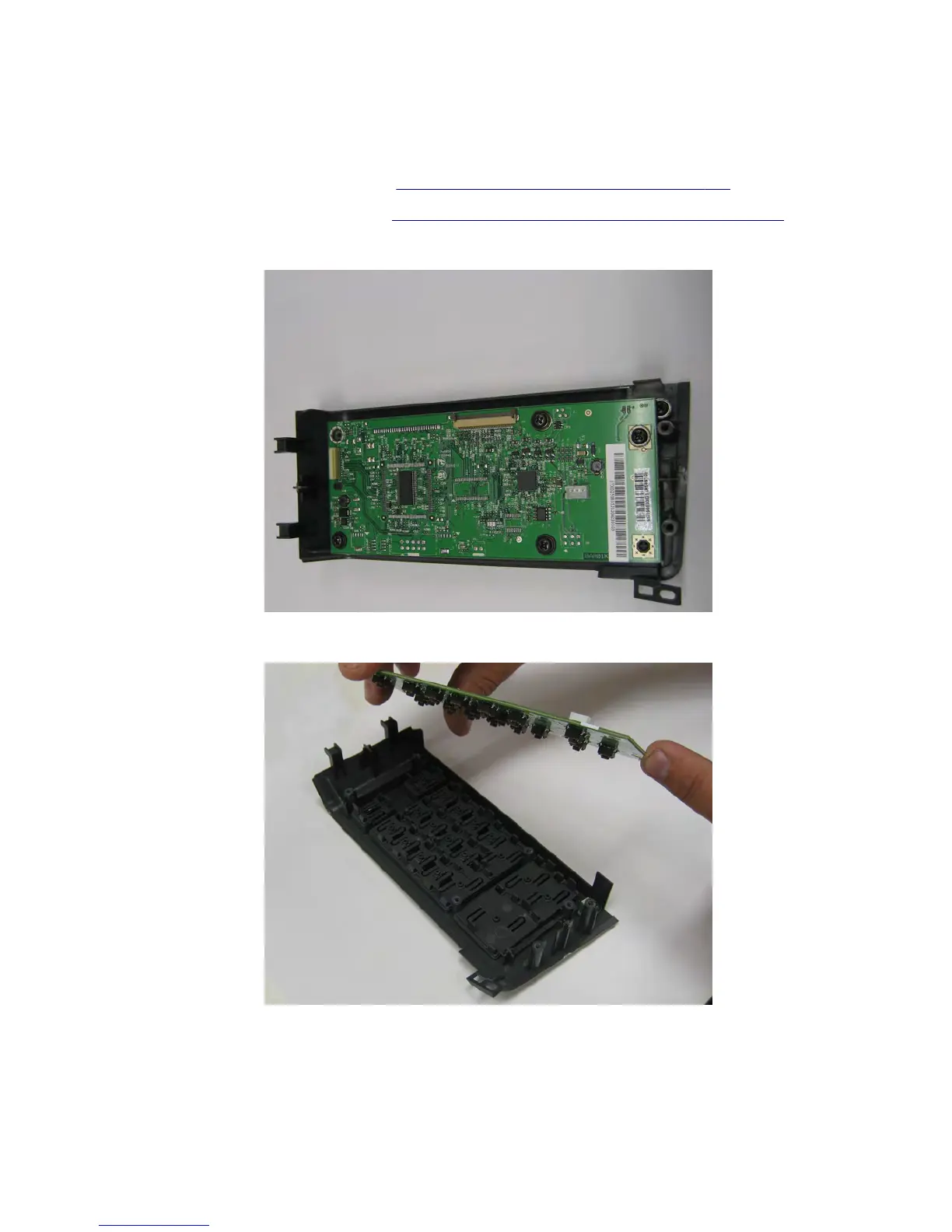
3 Remove the four screws (A) securing the control panel board to the bezel.
4 Remove the control panel board.
7463
Repair information
495



 To Next Page