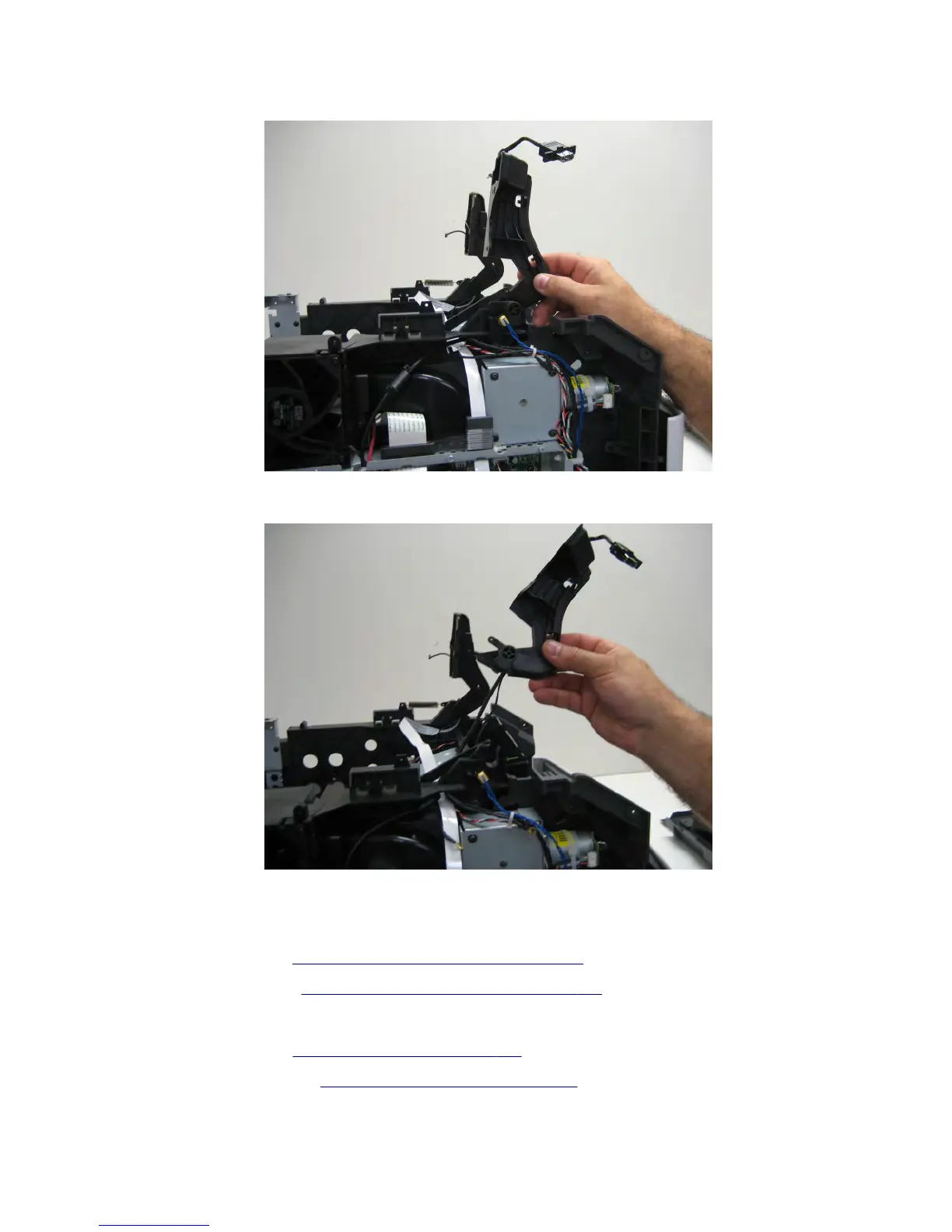
16 Position the left control panel hinge as shown in the following image.
17 Remove the left control panel hinge.
Right control panel hinge removal
1 Remove the left cover. See “Left cover removal (MX71x)” on page 416.
2 Remove the right cover. See “Right cover removal (MX71x)” on page 438.
3 Open the rear door.
4 Remove the top cover. See “Top cover removal” on page 561.
5 Remove the upper redrive. See “Upper redrive removal” on page 571.
7463
Repair information
519



 To Next Page