Top side removals
Top cover removal
This procedure is only applicable to MX81x models.
1 Gently lift the top cover from the machine.
2 Remove the top cover.
Cartridge door removal
1 Remove the toner supply cartridge.
2 Remove the imaging unit.
3 Remove the left cover. See “Left cover removal (MX81x)” on page 418.
4 Remove the right cover. See “Right cover removal (MX71x)” on page 438.
5 Open the rear door.
6 Remove the top cover. See “Top cover removal” on page 561.
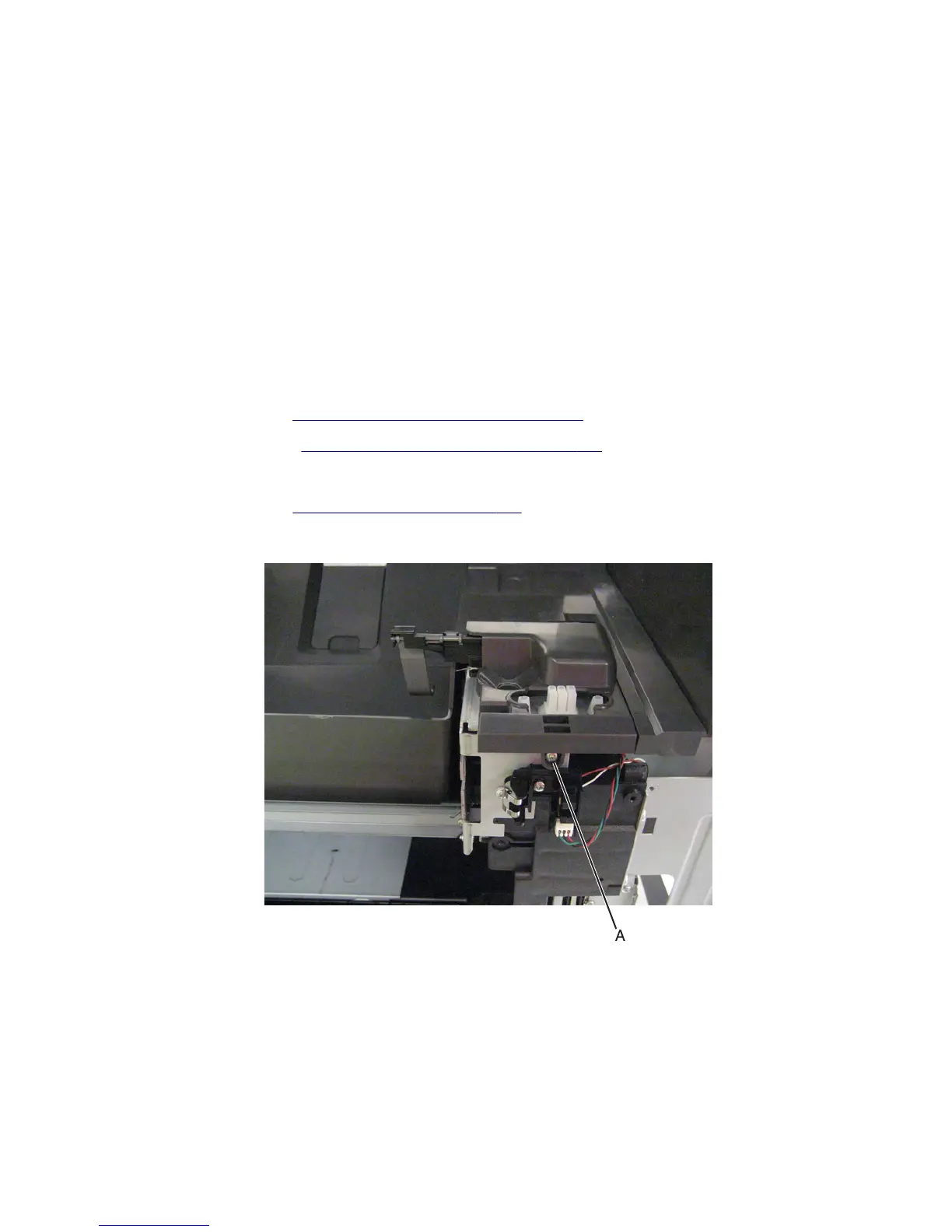
7 Remove the screw (A) securing the sensor cover to the machine.
7463
Repair information
561



 To Next Page