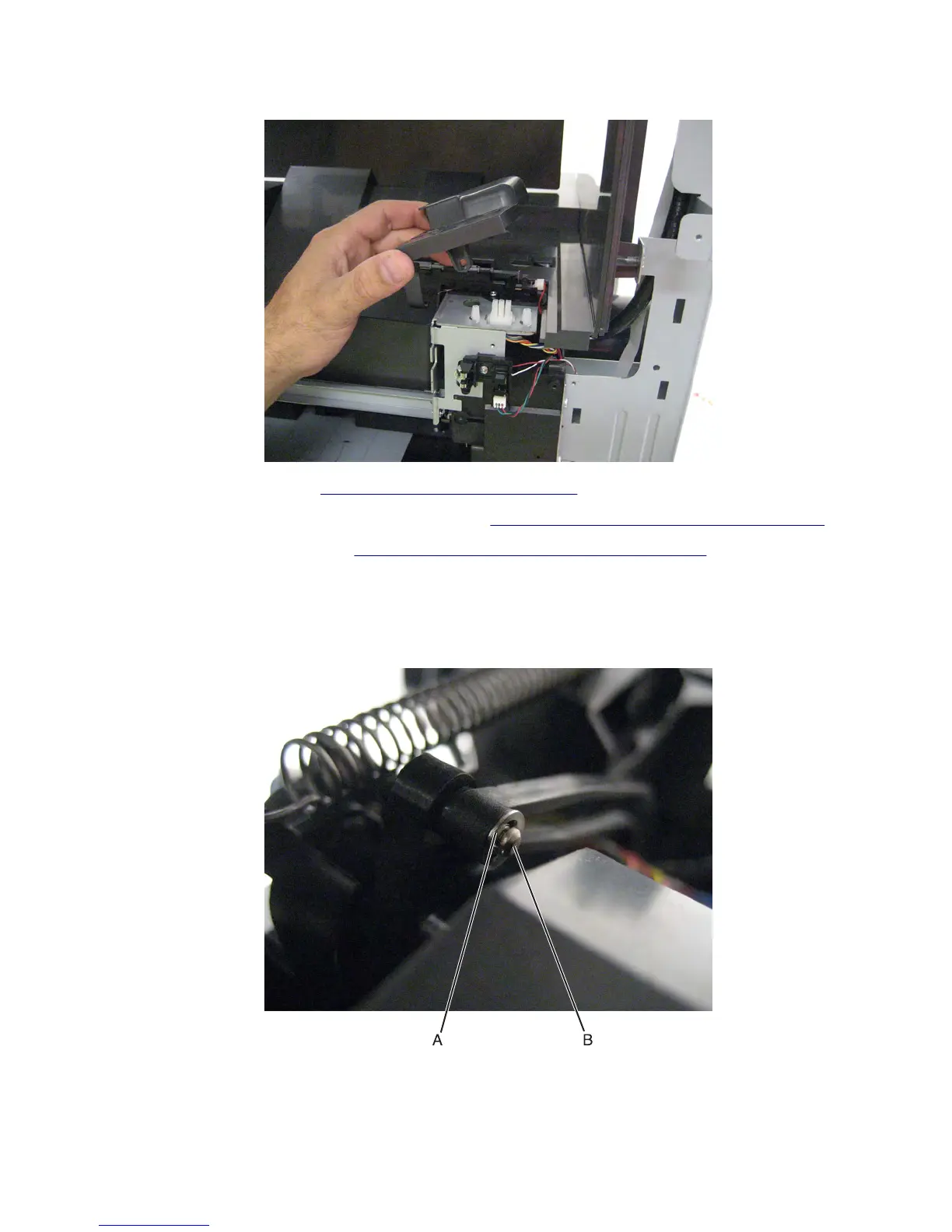
8 Remove the sensor cover.
9 Remove the upper redrive. See “Upper redrive removal” on page 571.
10 Remove the sensor (standard bin full) with actuator. See “Sensor (standard bin full) removal” on page 564.
11 Remove the standard bin cover. See “Standard bin cover removal (MX81x)” on page 567.
12 Disconnect and remove the two cables that are attached to the cartridge door from the controller board.
13 Remove the e‑clip (B) securing the pin to the hinge.
14 Remove the pin (C).
15 Raise the control panel to its uppermost position.
7463
Repair information
562



 To Next Page