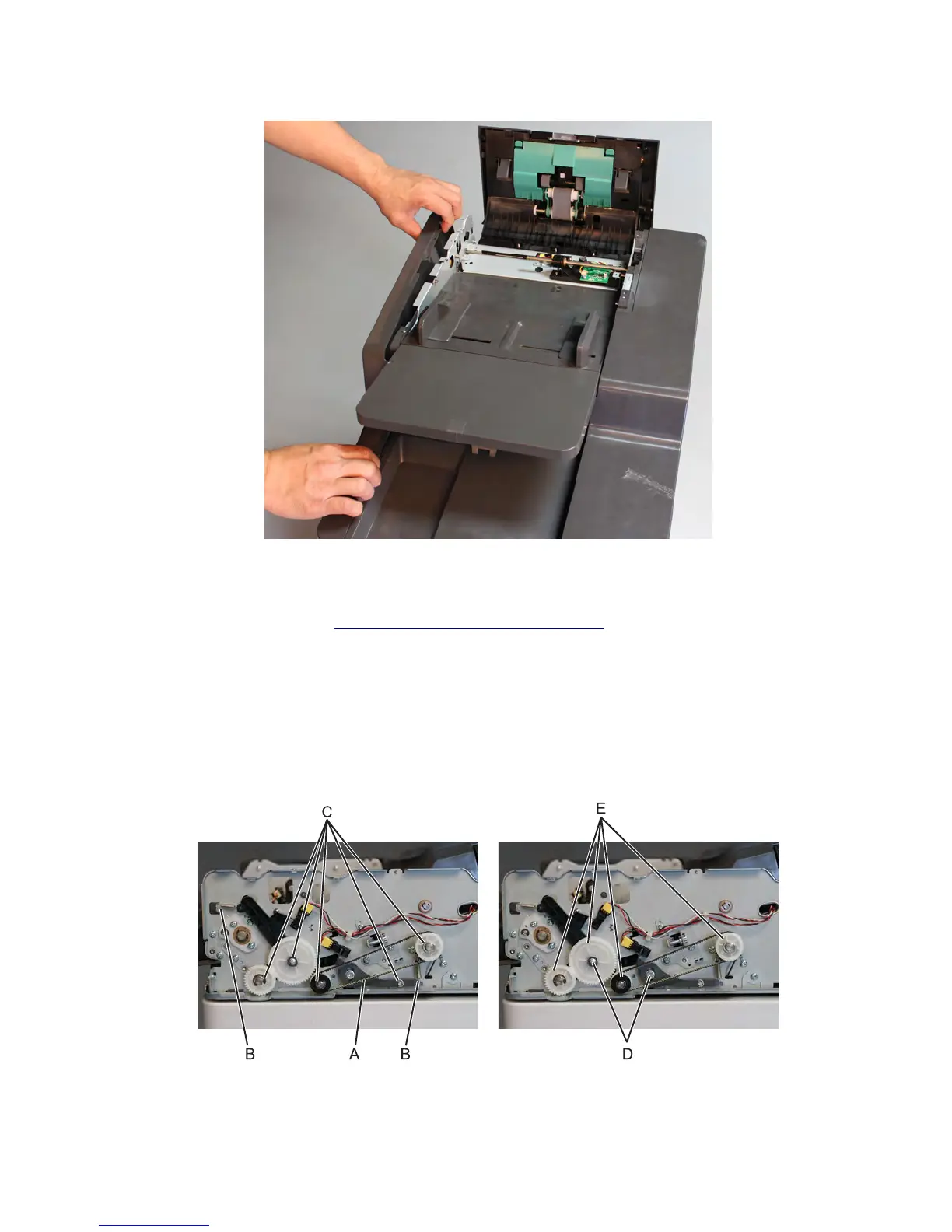
5 Release the ADF front cover from the snaps.
ADF front side drive parts pack removal
1 Remove the ADF front cover. See “ADF front cover removal” on page 587.
2 Remove the belt (A).
3 Remove the two springs (B).
4 Remove the c-clips (C).
5 Remove the two screws (D).
6 Remove the four gears
7 Remove the screw (F).
7463
Repair information
588



 To Next Page