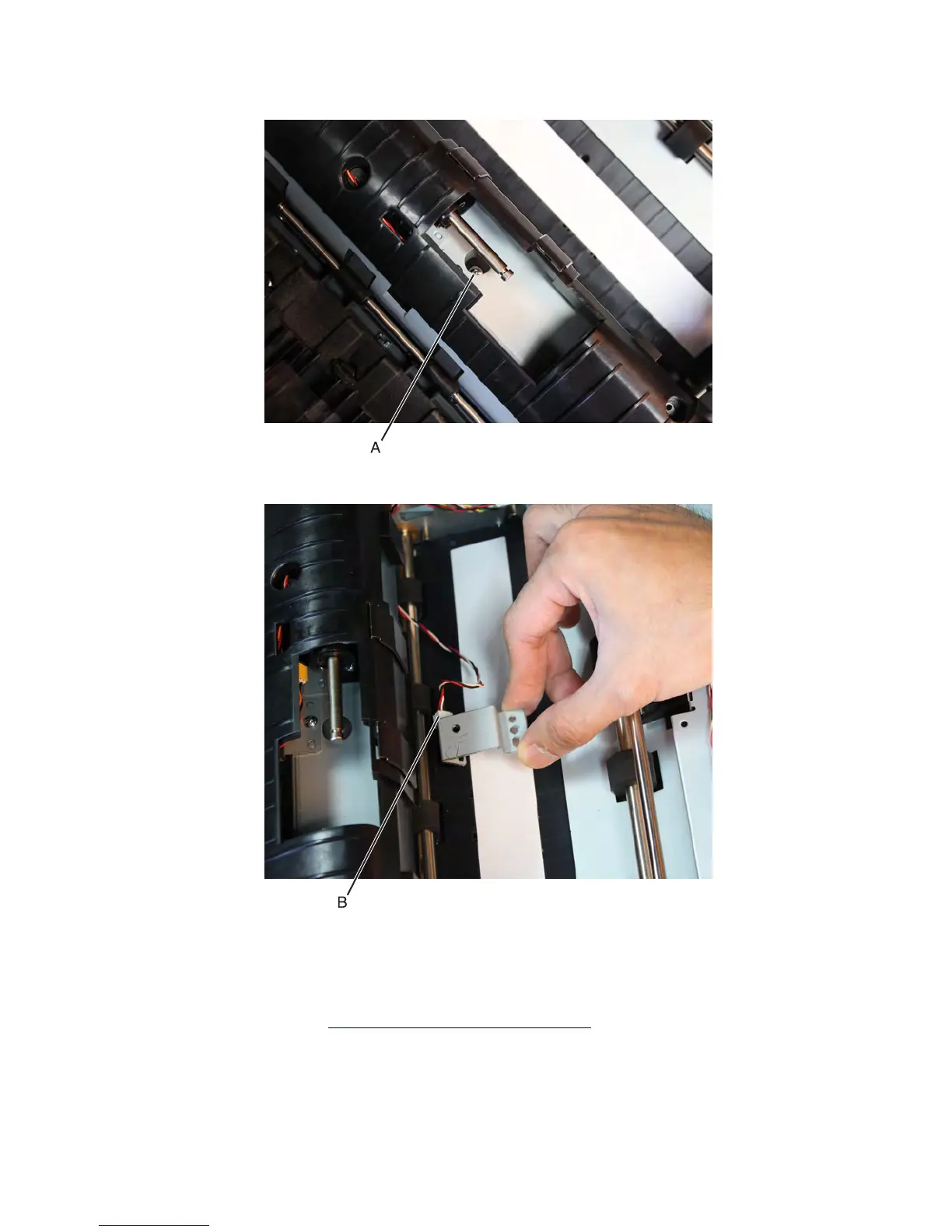
3 Remove the screw (A) securing the sensor.
4 Pull the sensor bracket to access the sensor. Disconnect the cable (B).
5 Release the latches securing the sensor to the bracket, and then remove the sensor.
Sensor (ADF elevator tray home position) removal
1 Remove the ADF rear cover. See “ADF rear cover removal” on page 598.
2 Remove the mylar and release the hooks securing the sensor (ADF elevator tray home position) to the machine.
3 Remove the sensor (ADF elevator tray home position).
7463
Repair information
605



 To Next Page