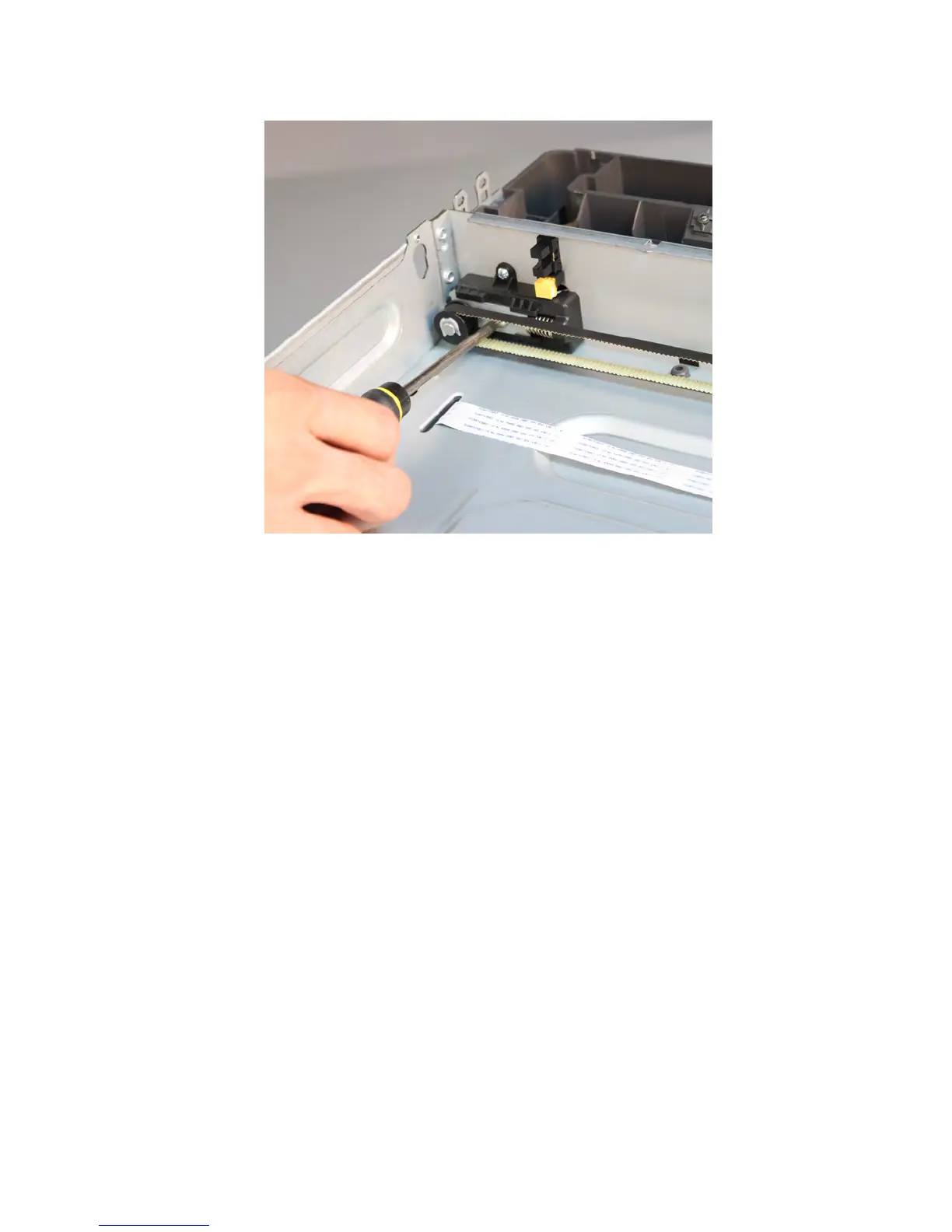
e Loosen the adjustment screw again to tighten the belt.
f Tighten the adjustment screw again.
250/550-sheet media tray option removals (MX710 and
MX711)
250/550-sheet media tray option removal
Push the latch to unlock the drawer, then lift the printer or drawer above it, and separate.
Media tray separation roller removal
Press and hold the button (1), then pull the separation roller (2) and remove.
7463
Repair information
648



 To Next Page