Media tray assembly removal
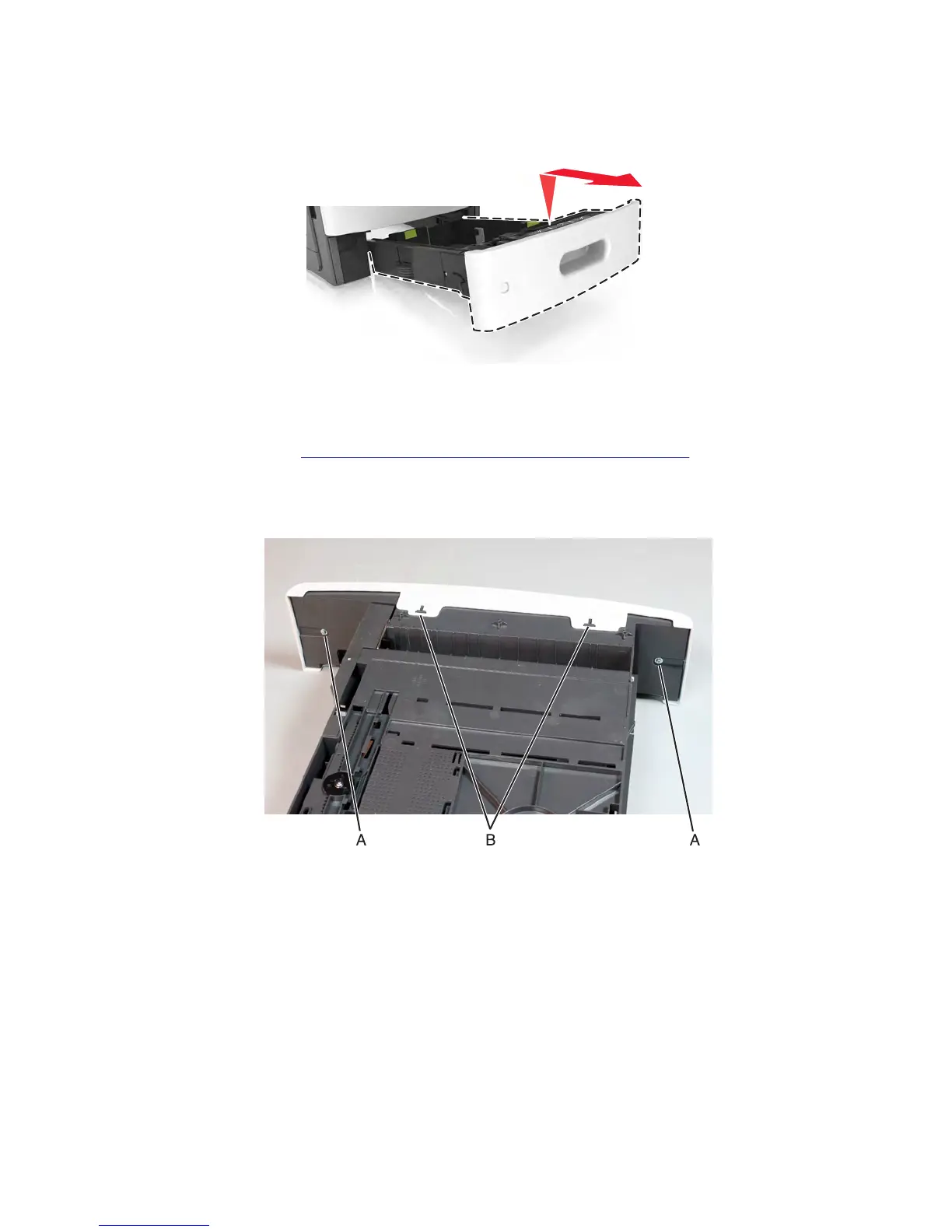
Fully extend the tray, then tilt it upward and remove.
Media tray front cover removal
1 Remove the media tray. See “250/550-sheet media tray option removal” on page 648.
2 Remove the two screws (A) securing the front tray cover.
3 Release the tabs (B) at the bottom, then remove the front tray cover.
7463
Repair information
649



 To Next Page